You cannot be a Brit (well this Brit anyway) and not occasionally snigger at the local term for a pointy hill — ‘knob’. The word instantly translates into a derogatory anatomical term in my mind. A derogatory term that to this day remains popular with both my sons. With nomenclature like this it’s not surprising Benny Hill was (is?) popular in the Ozarks.
Hercules Glades and the surrounding area is well endowed with knobs, including to the east of the State, the even more hilariously named Knob Lick. No, I did not make that up — I’ll see if I can find a picture (I did, see below). I’m pretty sure I’ve driven past a ‘Knob View’ at some point.
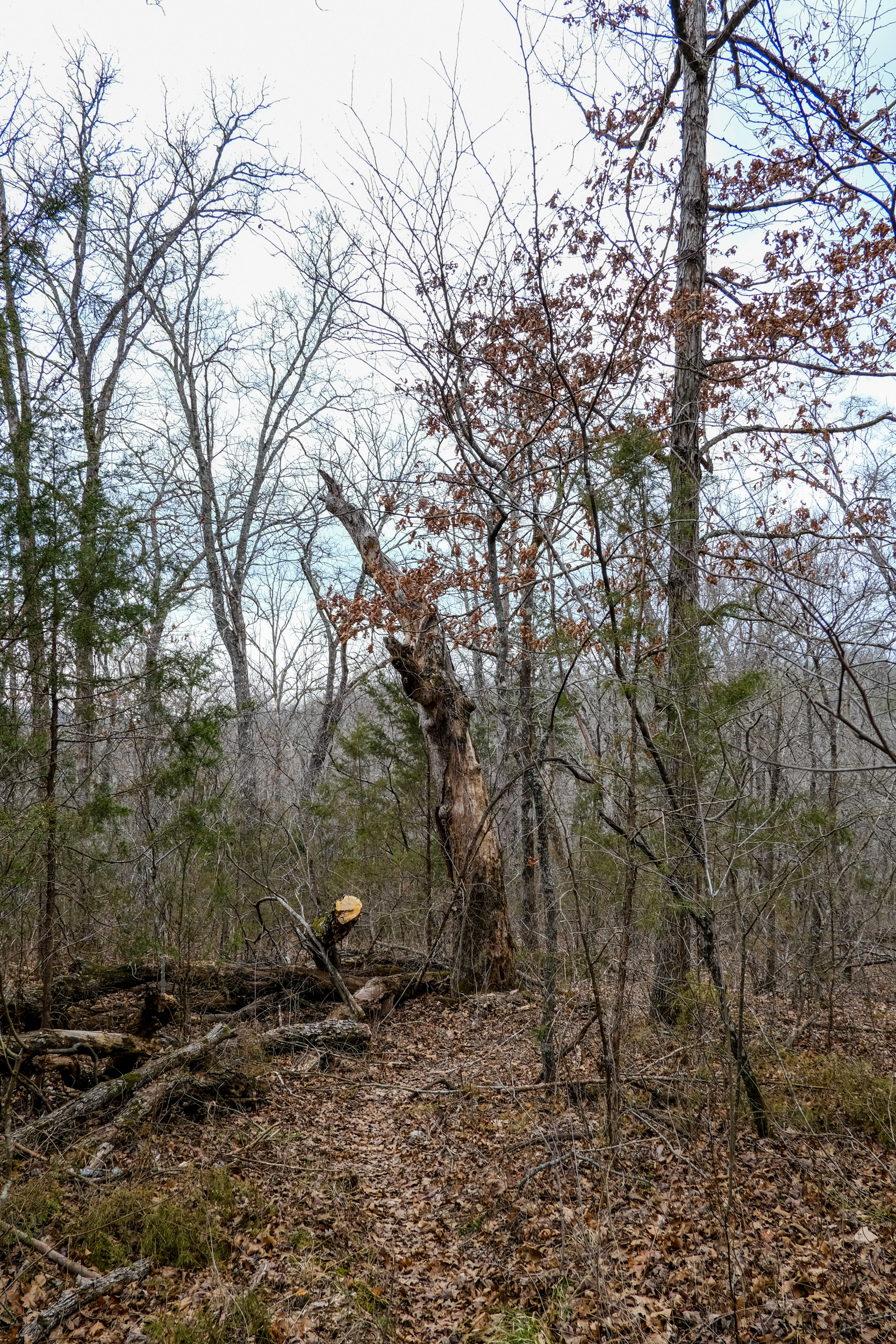
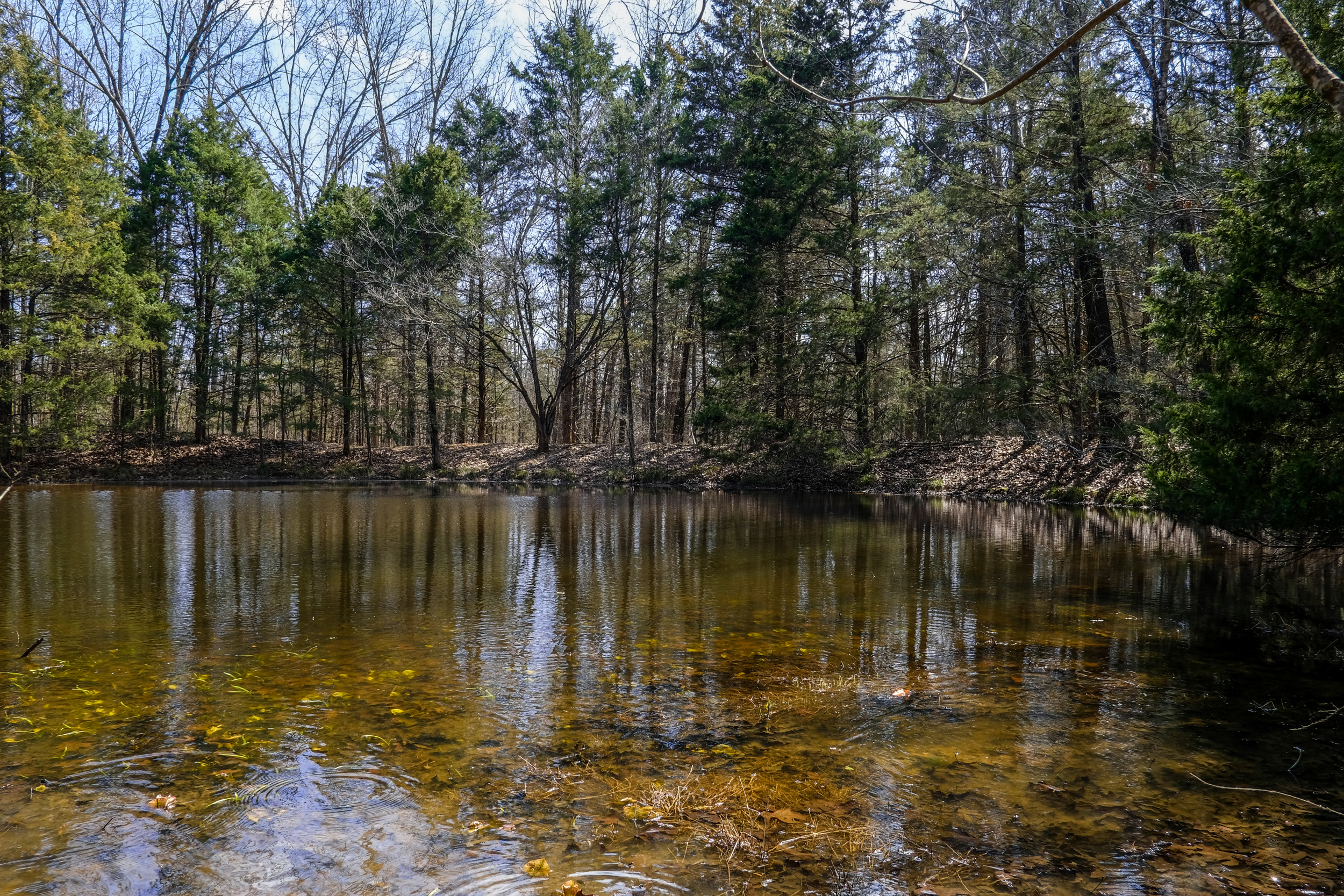
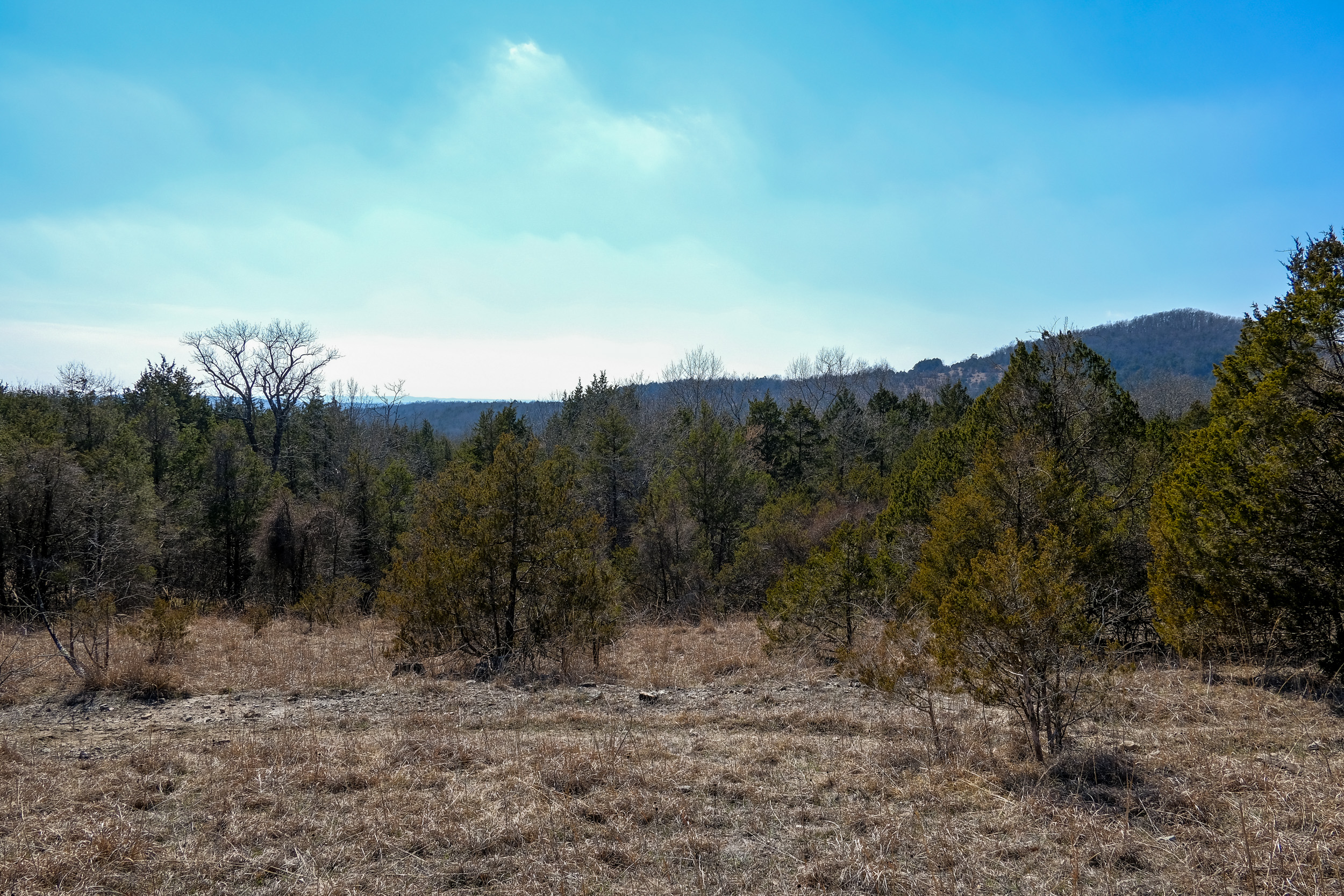
Anyway, after that unplanned digression — sometimes my posts develop a life of their own — the area abounds with knobs, ridges, and glades. Here are few more pictures from my trip.
We find some odd things in the wilderness, this old truck hood, the truck cab, then a Busiek there’s an old panel van, and two old nitrogen railroad trucks (imported for use as culverts). It’s not that surprising really as it wasn’t that long ago that the current wildernesses were farmland. The number of stock ponds and rock mounds (rocks are possibly one of the most abundant crops of the Ozarks) are testimony to the hard-working people who used to live here.
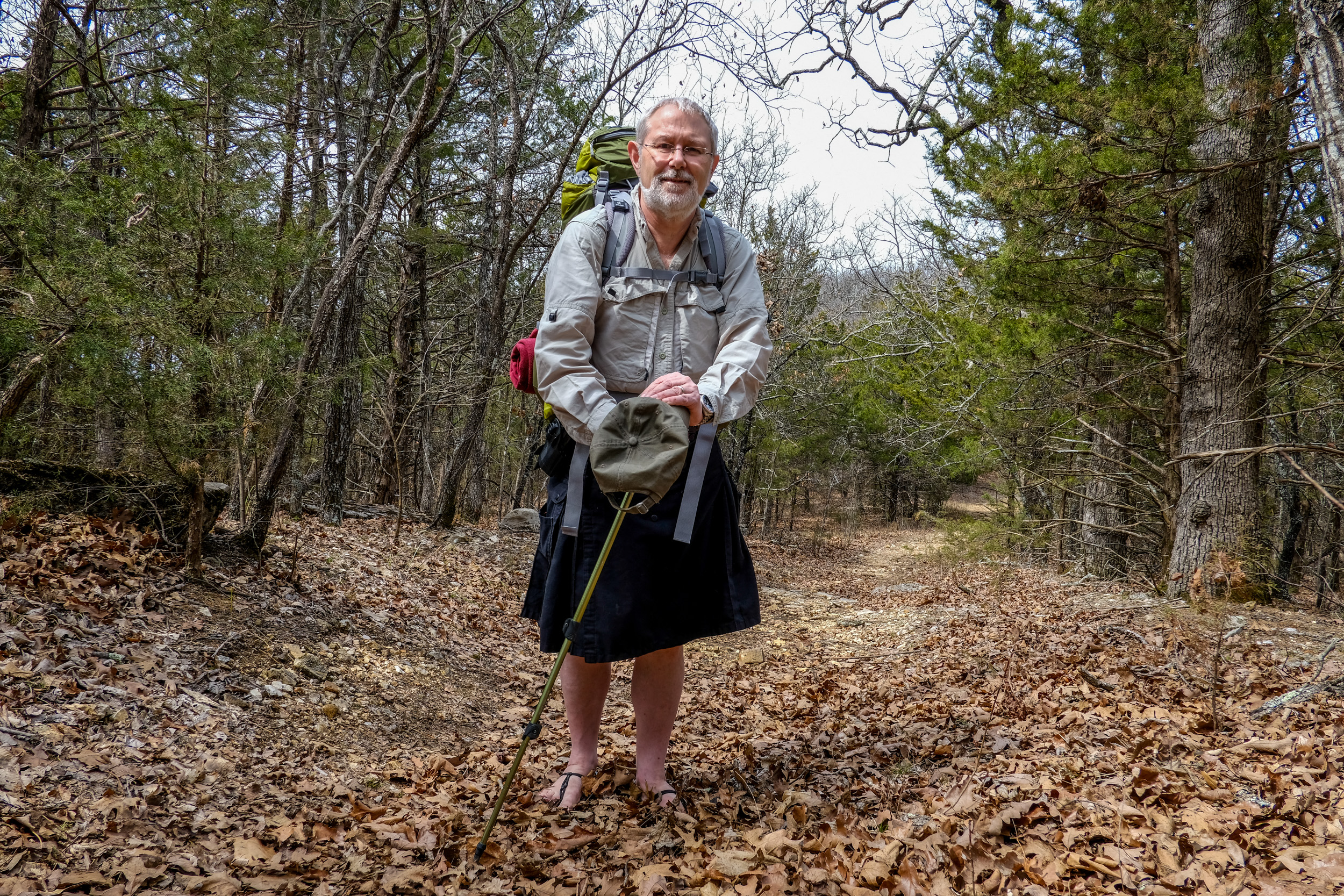
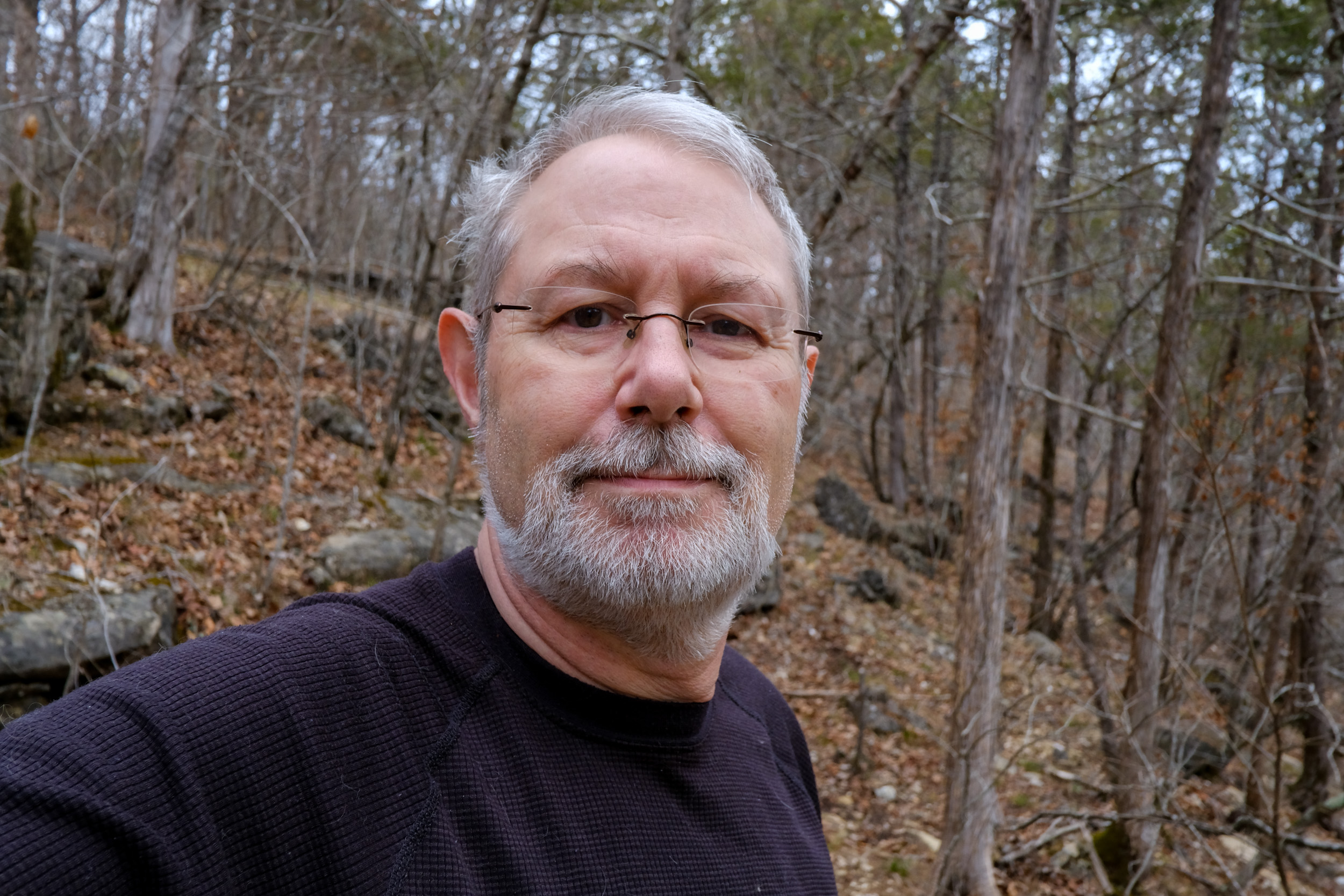
Gary modestly posing at the confluence of Brushy Creek and ‘Cab Creek’.
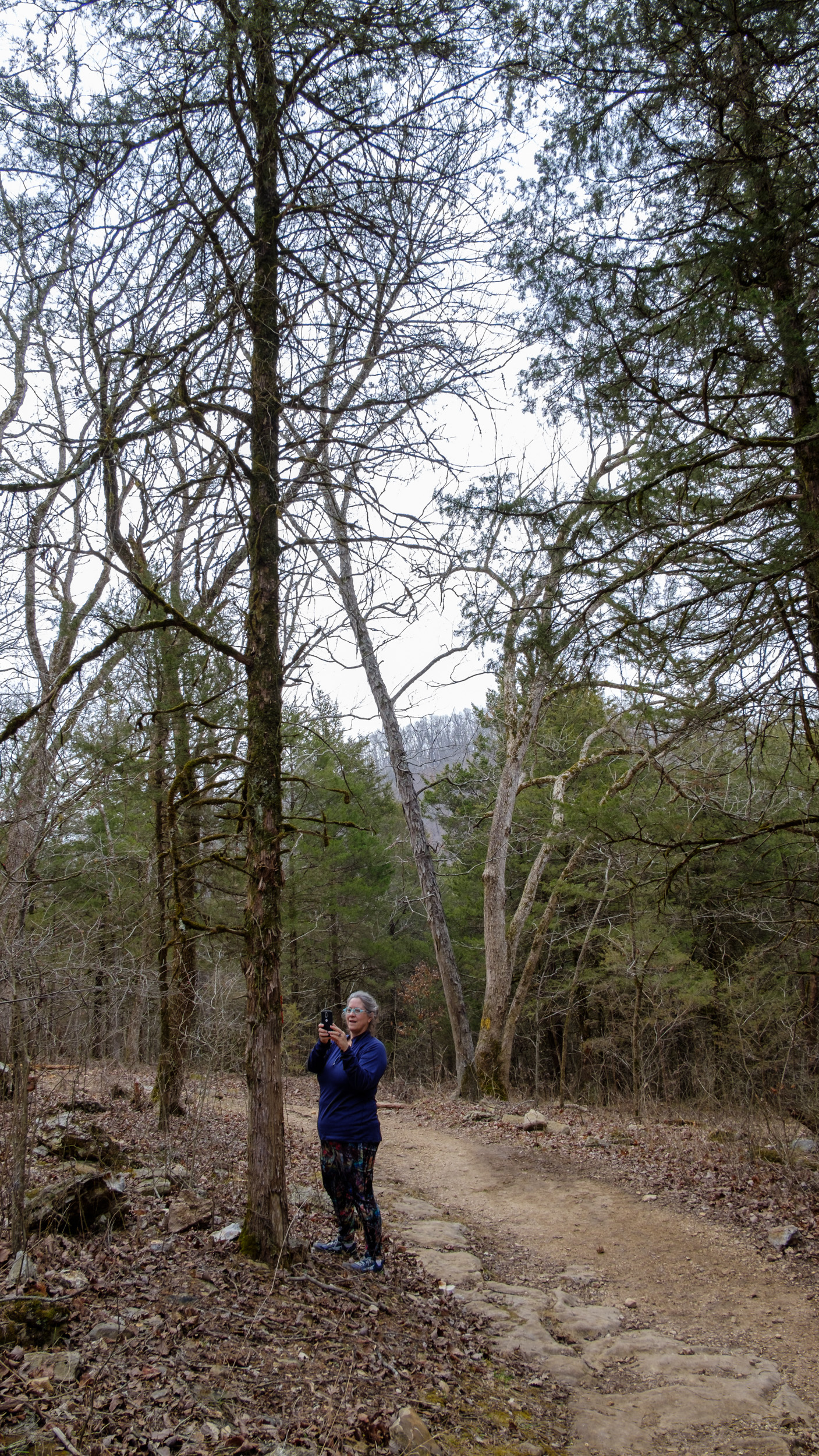
And another modest shot. What? You were expecting the immodest version?I use the term ‘modestly’, advisedly. My first take of this picture showed far too much leg and was a little too revealing.
Lesson learned; be wary of low camera angles when wearing a kilt.
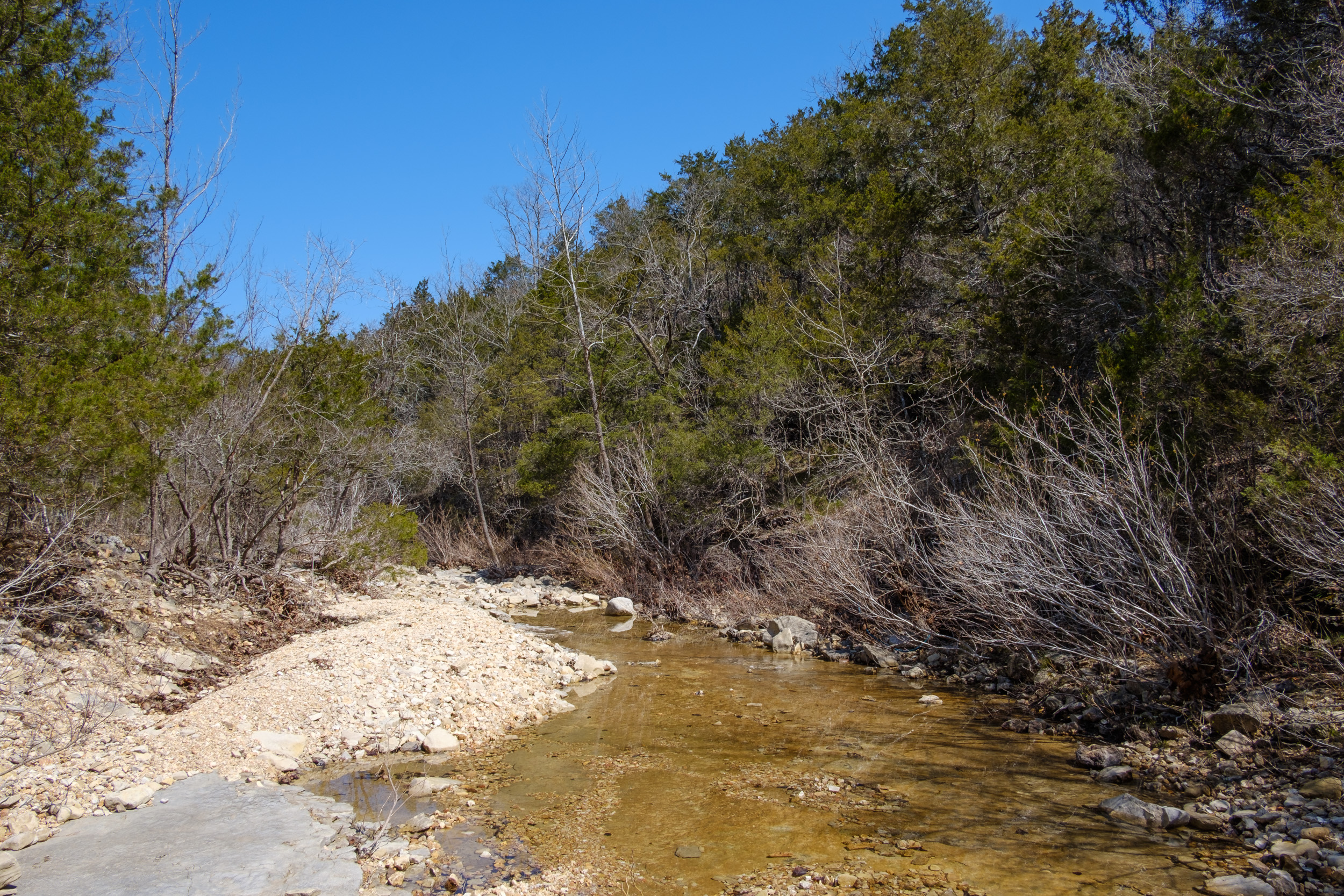
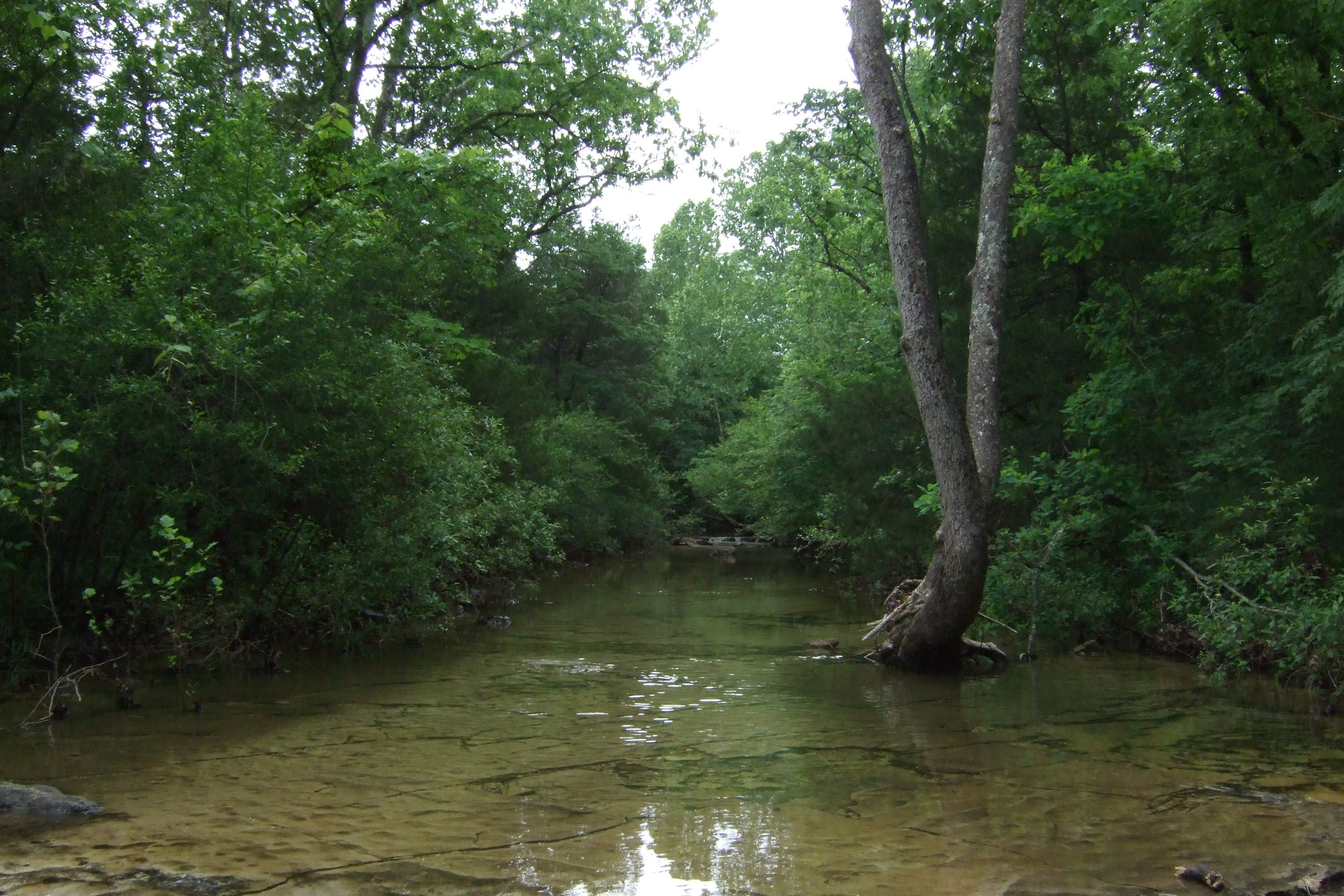
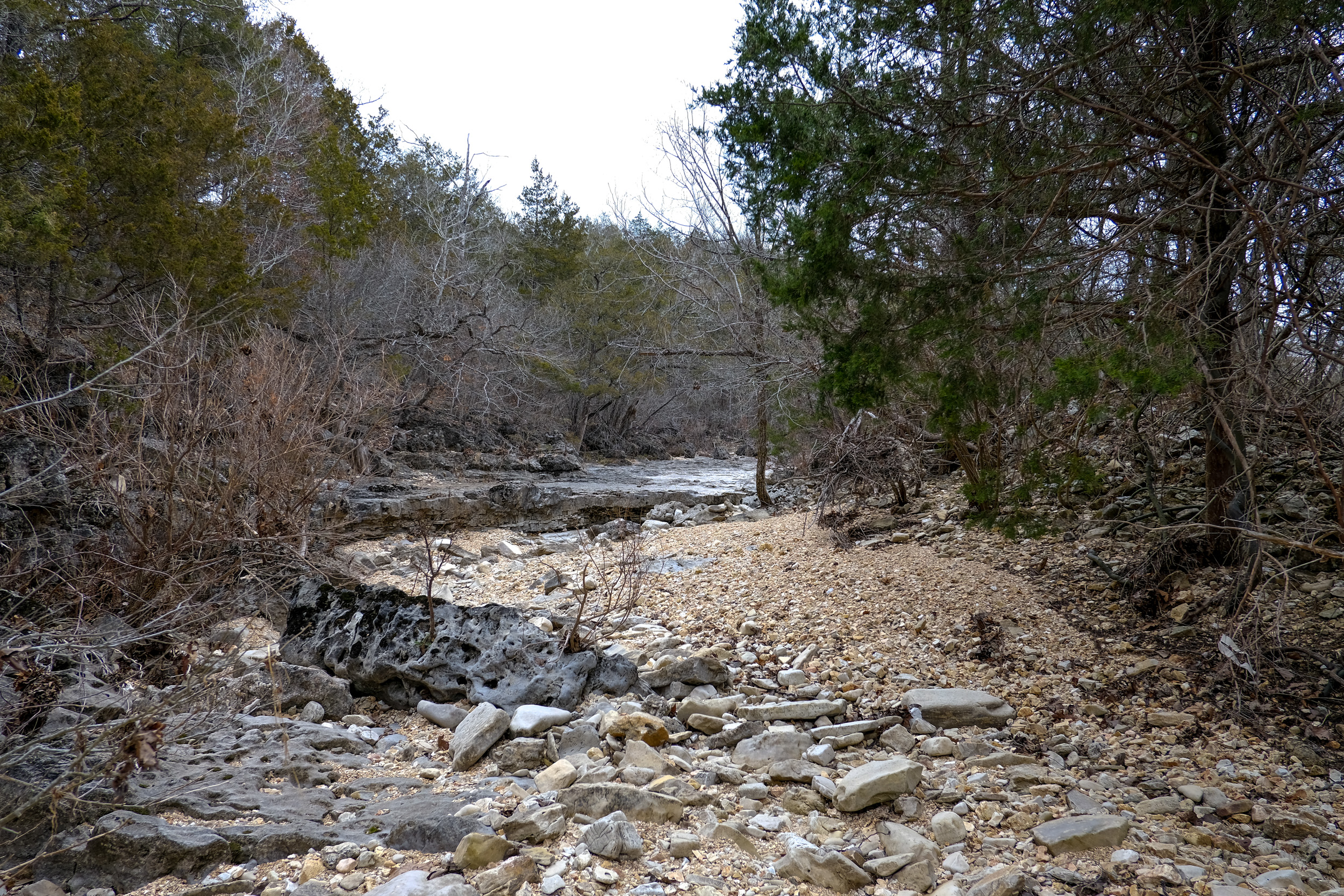
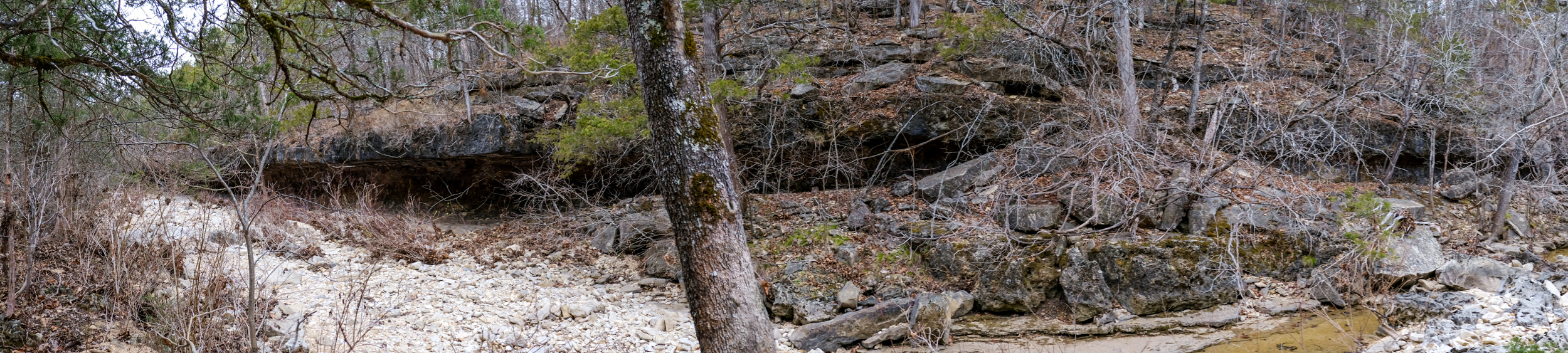
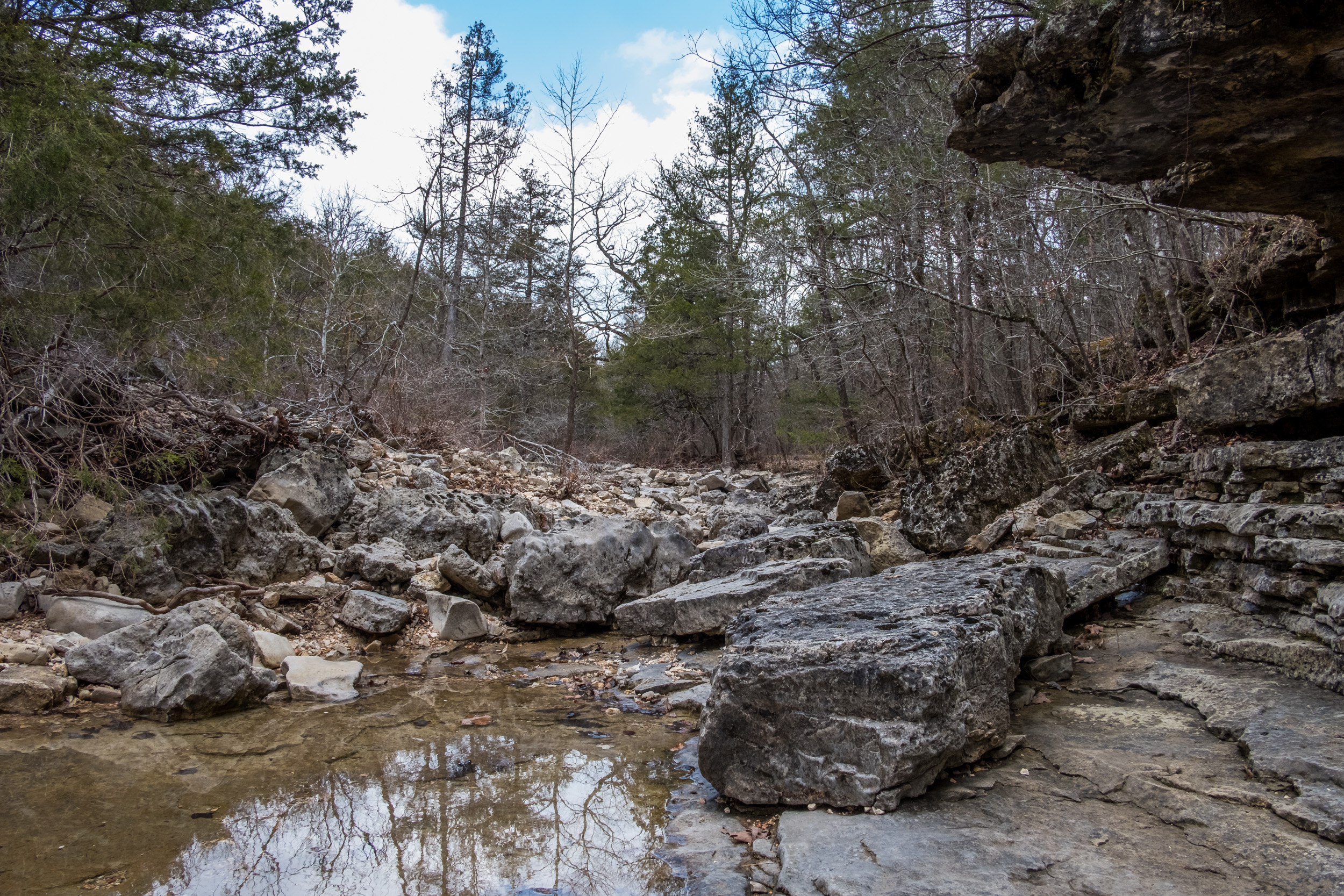
For two quite small creeks, this is a good-sized creek bed. I’d love to come here after some rain. I’m sure it would be very impressive.
This image is a panorama made up from four handheld images — the original is 10,466 x 4,089 pixels. I was pleased with how well I managed to keep the pictures lined up. I’ve given up using the camera’s panorama feature, it only produces low-resolution pictures.
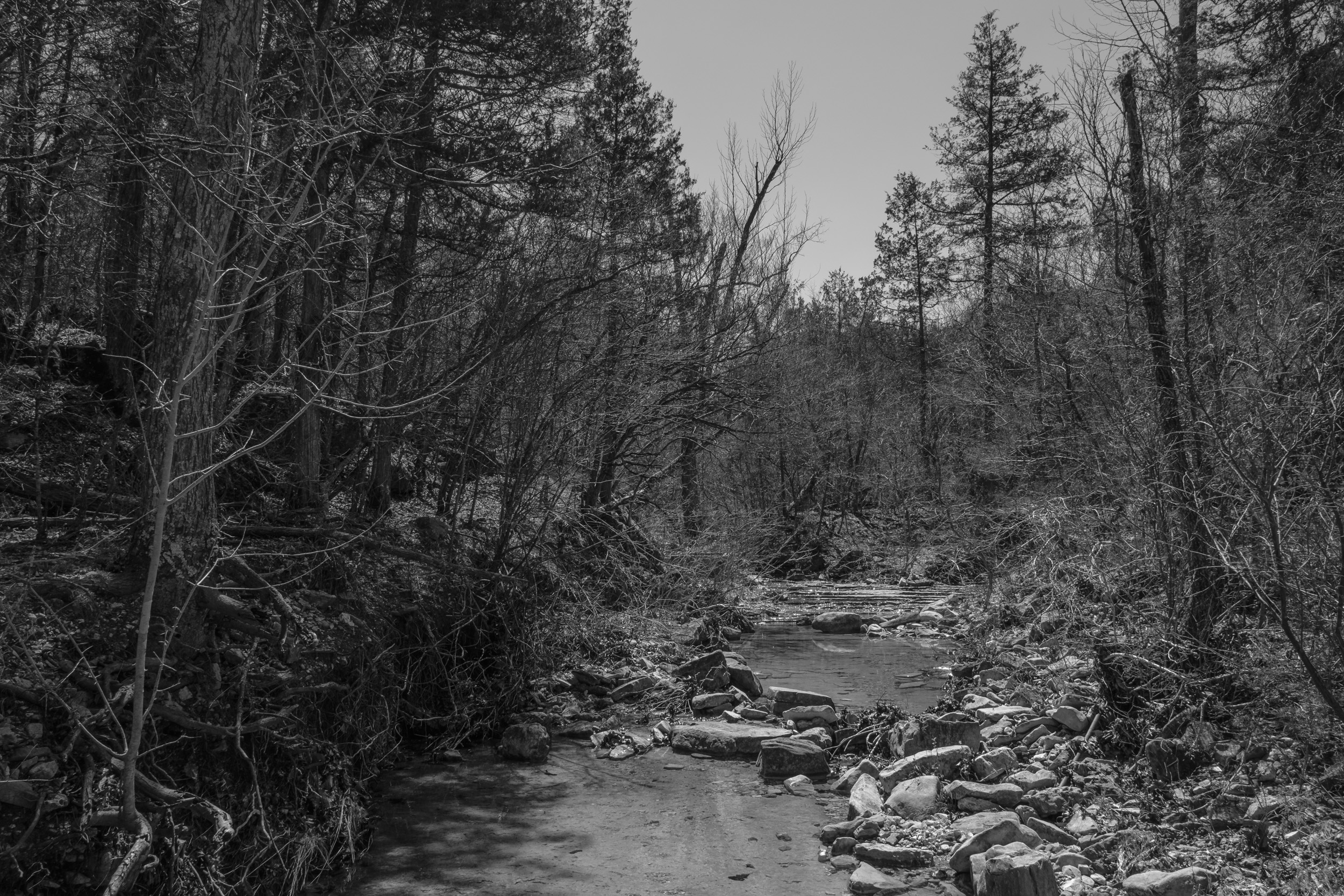
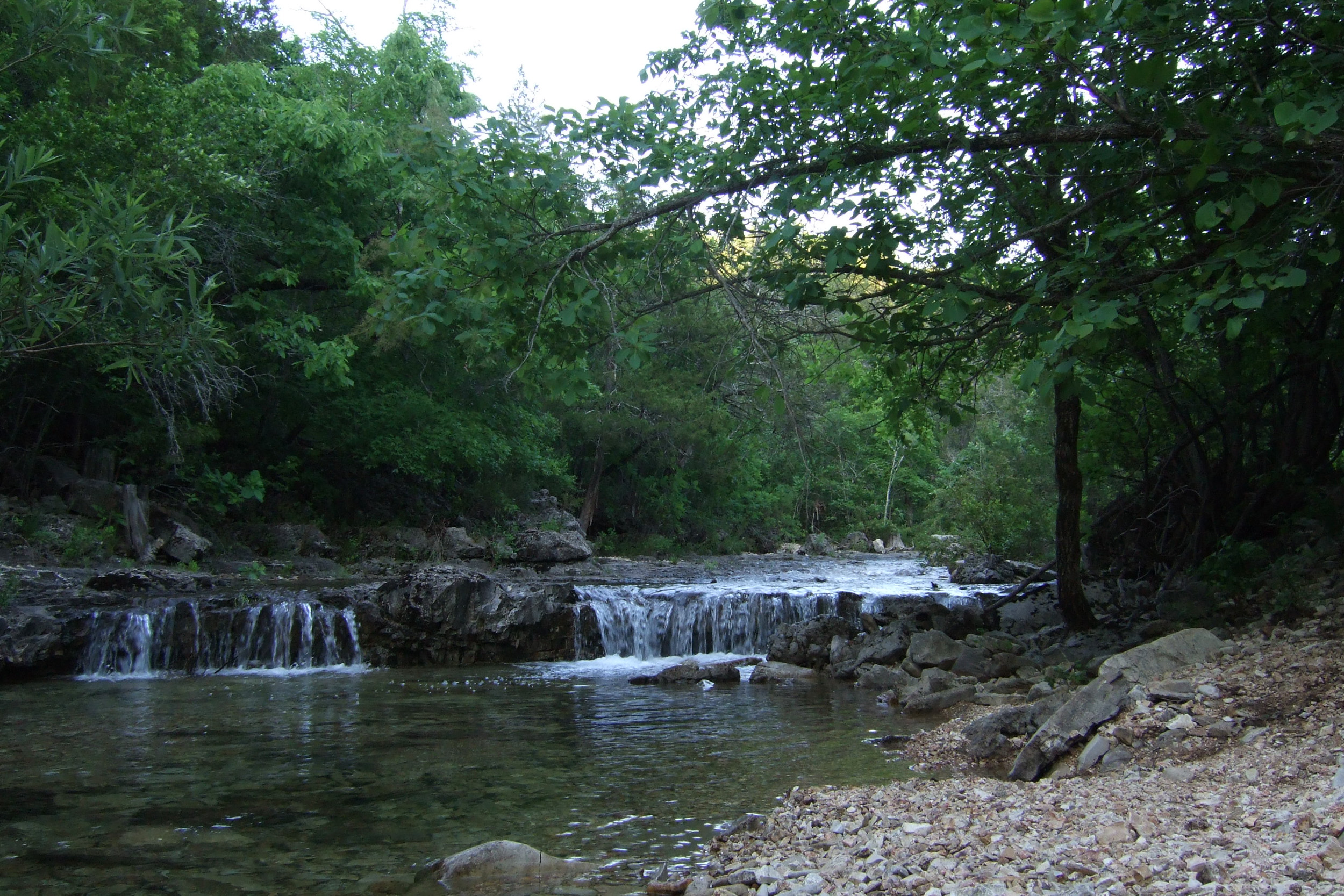
The name is very well deserved, it is brushy almost to the point of being impassable. The creek is (presumably) fed by springs and has some — though not a lot of — water even when the other near-by creeks are dry.
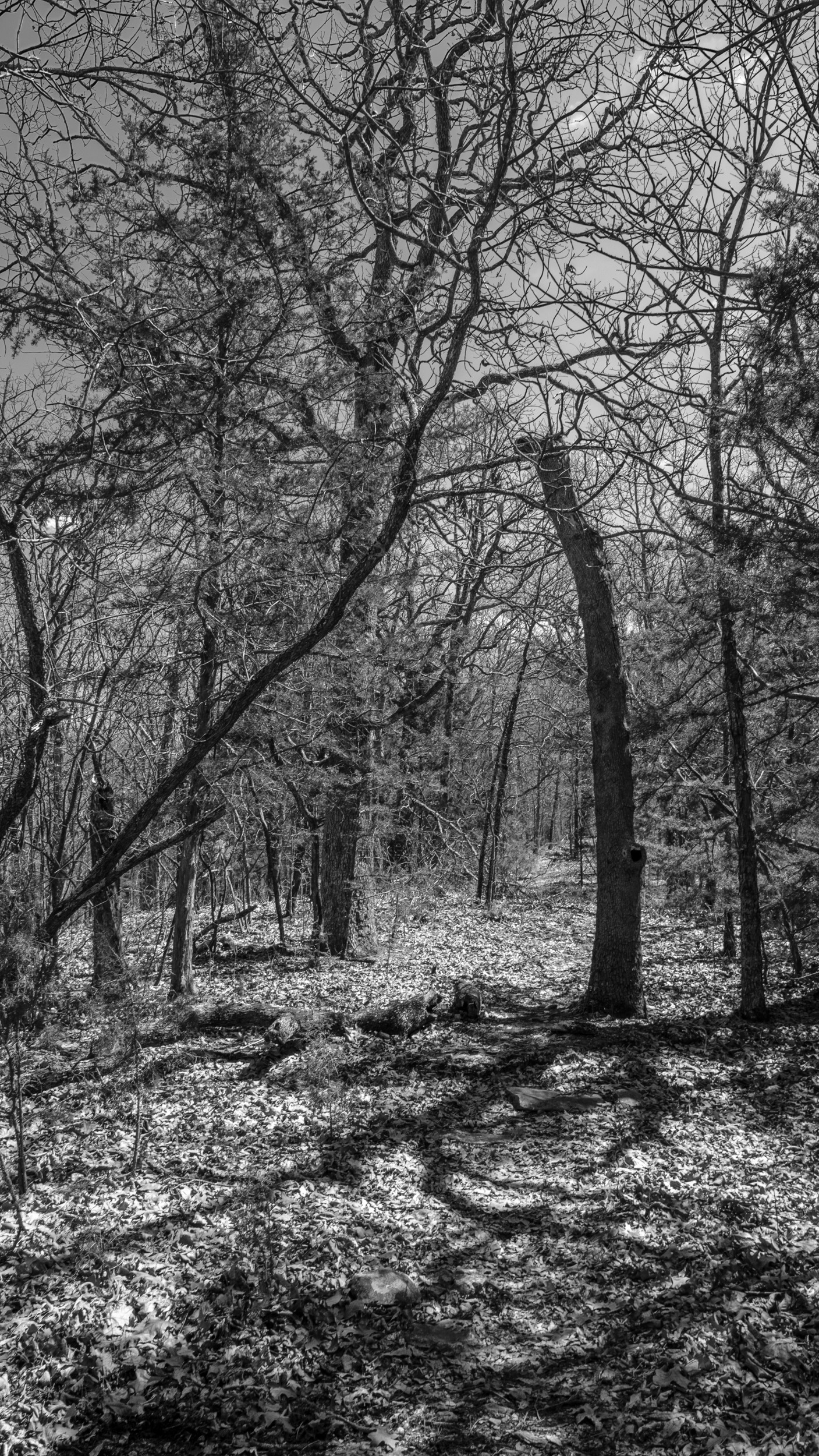
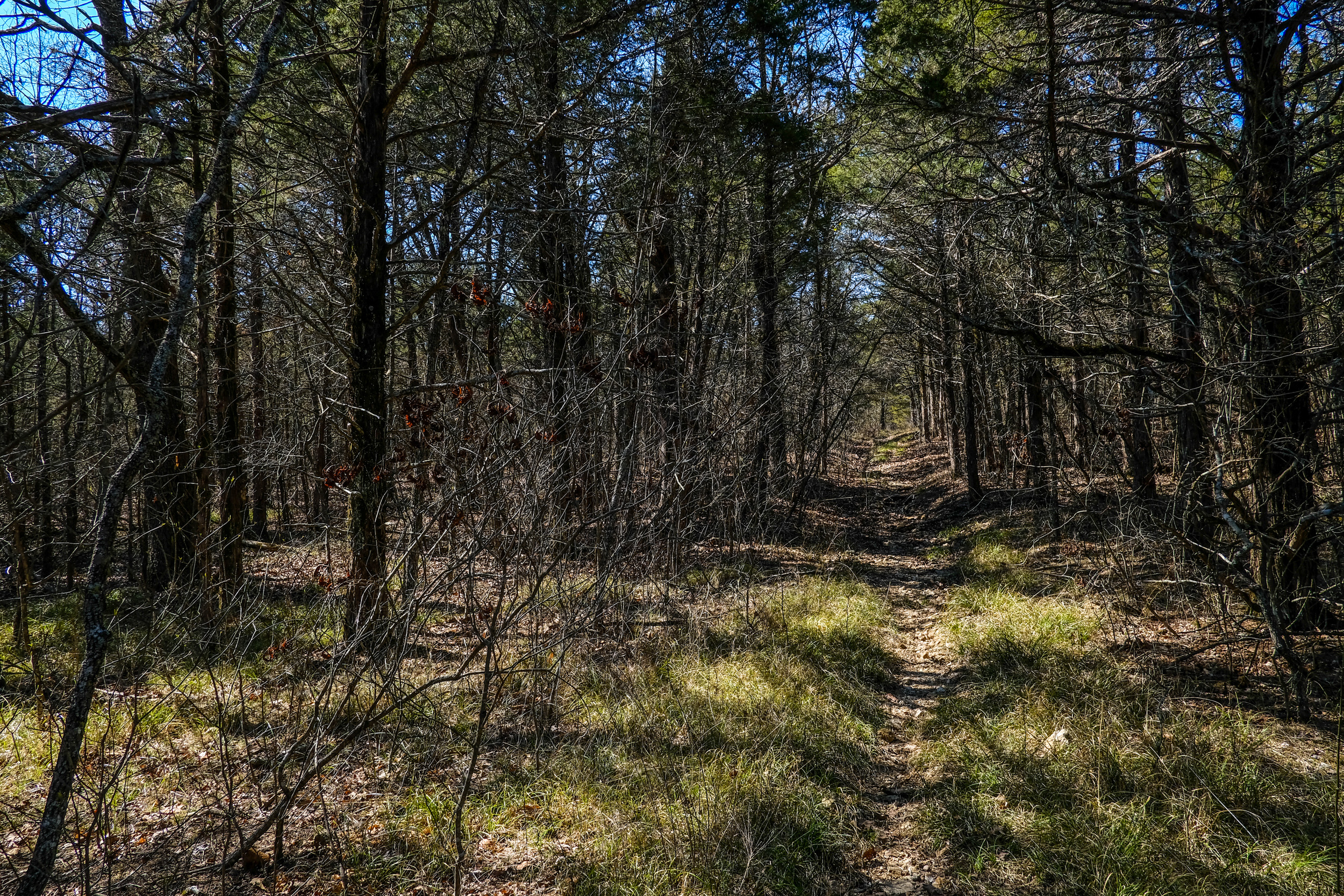
More often than not, when a trail passes through a heavily wooded area the trail is obscured by fallen leaves. Heavily used trails are kept clear by the passing traffic. Some trails become streams when it rains and that keeps them clear.
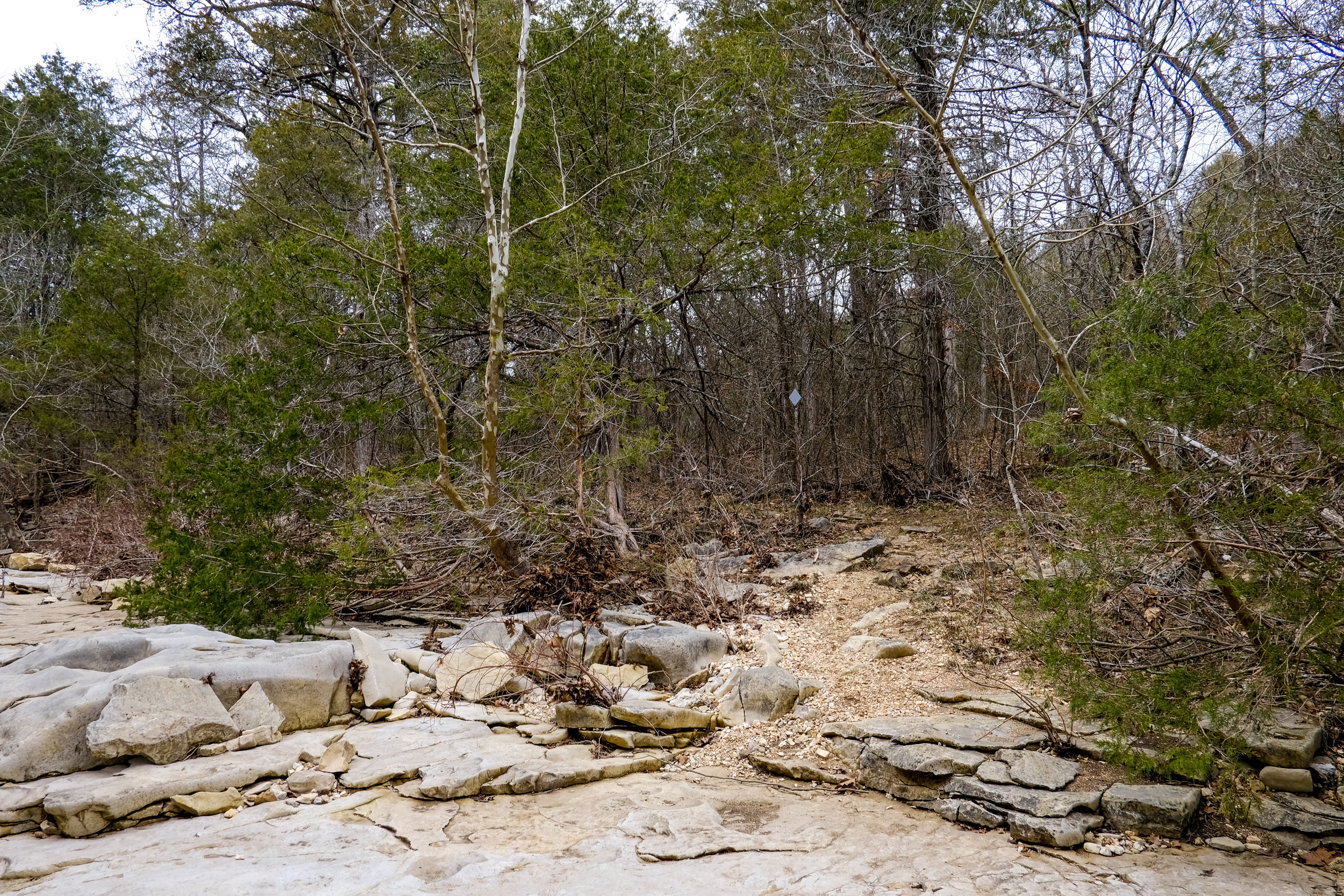
Pees Hollow isn’t a particularly well-used trail, but this area runs through a stand of conifers, so there are few leaves. There were other places where the trail was hidden by leaf-litter.
At the top of the ridge at the begining of the Pees Hollow Trail.
One reason why I prefer fall, winter, and spring to summer is that you can see the views and the ‘bones’ of the land. Once the leaves and foliage fill in, the scenery becomes limited and you can no longer discover features off of the trail.
Following a successful field test with our old lounging hammock, I decided I could afford to buy a light-weight backpacking hammock, tarp, and under-quilt…
Four hours later, the dishwasher died, and we were mopping up a quarter inch of water from the kitchen floor.
I was despairing of ever getting a chance to test backpacking with a hammock.
We missed our first planned trip starting on Thursday and decided to go Friday (March 23) instead. Late Thursday Ginger decided that she didn’t fancy an evening in the wilderness watching me play with the hammock, so I took a look at the map and came up with a new idea to spend three days solo backpacking. I’d be able to enjoy some solitude and fit in a couple of nights testing the hammock. It would also give me a chance to hike a route that filled in the worst of the gaps in our GPS tracks of Hercules Glades. It wouldn’t be my first solo backpacking trip, but it was my first with a hammock, and though I didn’t know it at the time, it was the beginning of my regular solo trips.
The only downside of the extended trip was the weather; there was rain forecast for Friday night and Sunday, and it was predicted to get colder (lows of 45°F) Saturday night.
Preparations were simple. I mixed up a couple of breakfasts, which along with the two Mountain House dehydrated dinners were to be my main meals. For trail snacks and lunches I had a couple of Ziploc bags with almonds and raisins, plus four protein bars. Originally we were going to carry enough water for the entire trip — Not wanting to carry a three-day supply of water — I added the Sawyer Mini water filter to the pile of stuff to take. I also added the water filter’s backflush syringe. I reckoned that a trip to the falls on Long Creek would provide me with plenty of water. For the predicted cold spell I added a base layer, socks(!), a warm hat, and some long pants.
The plan
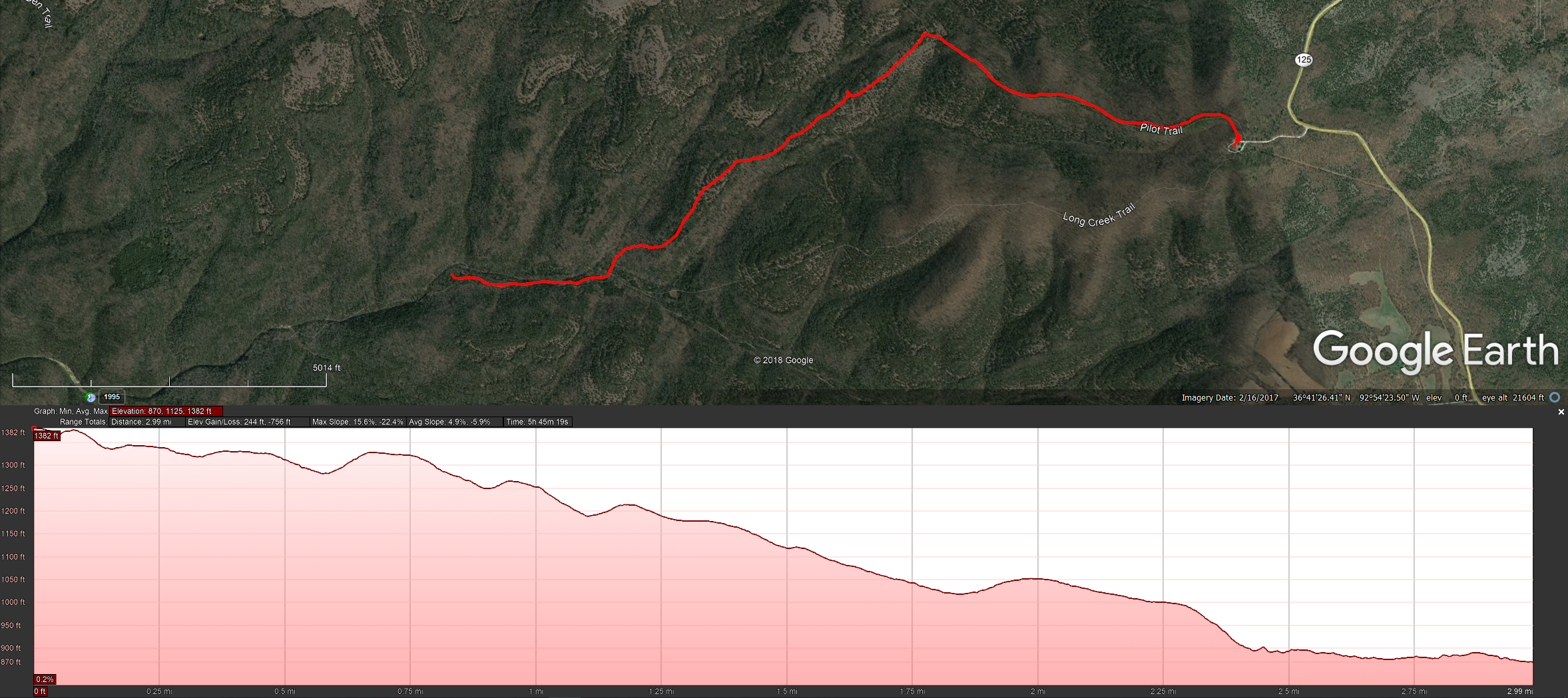
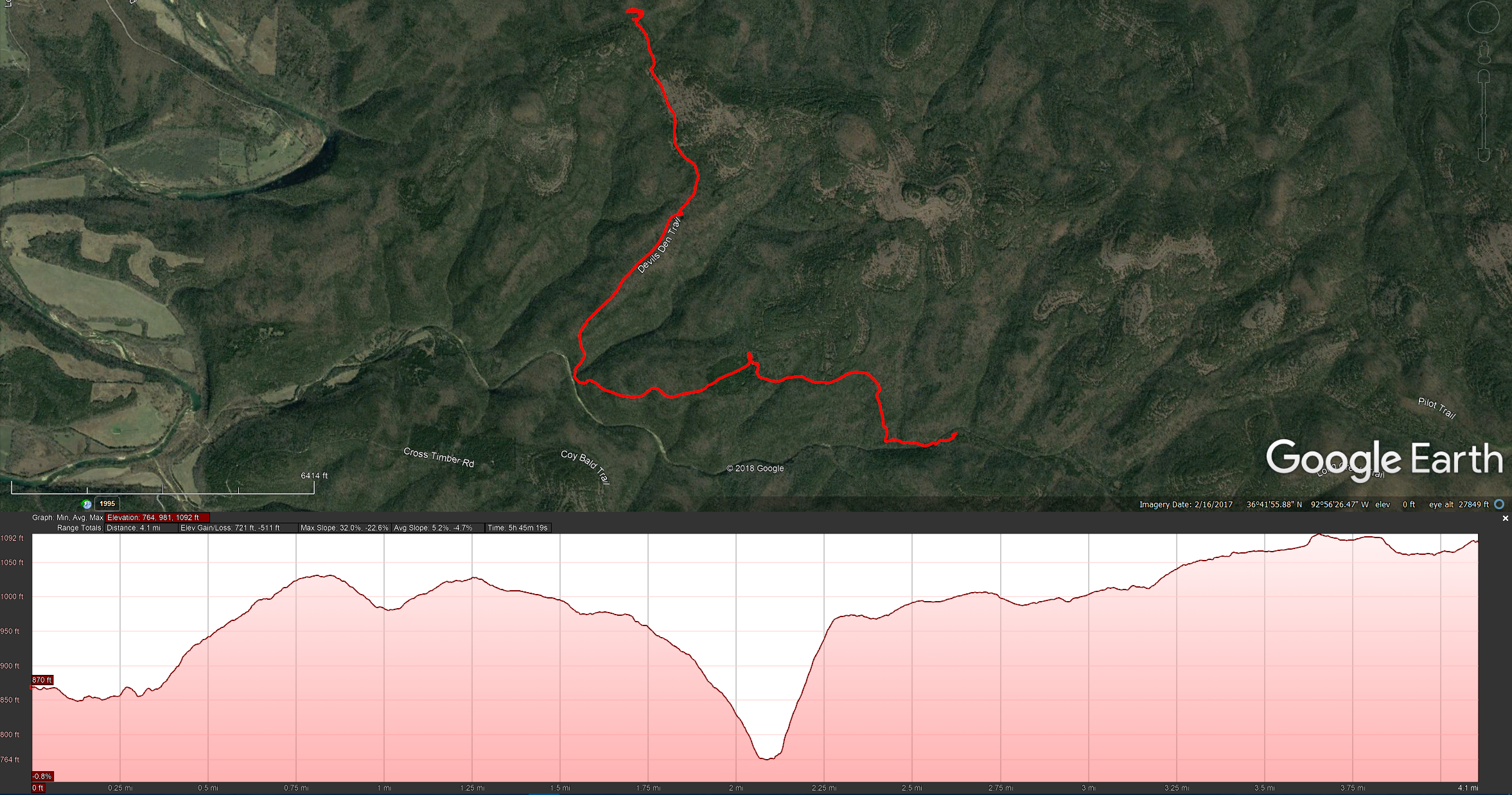
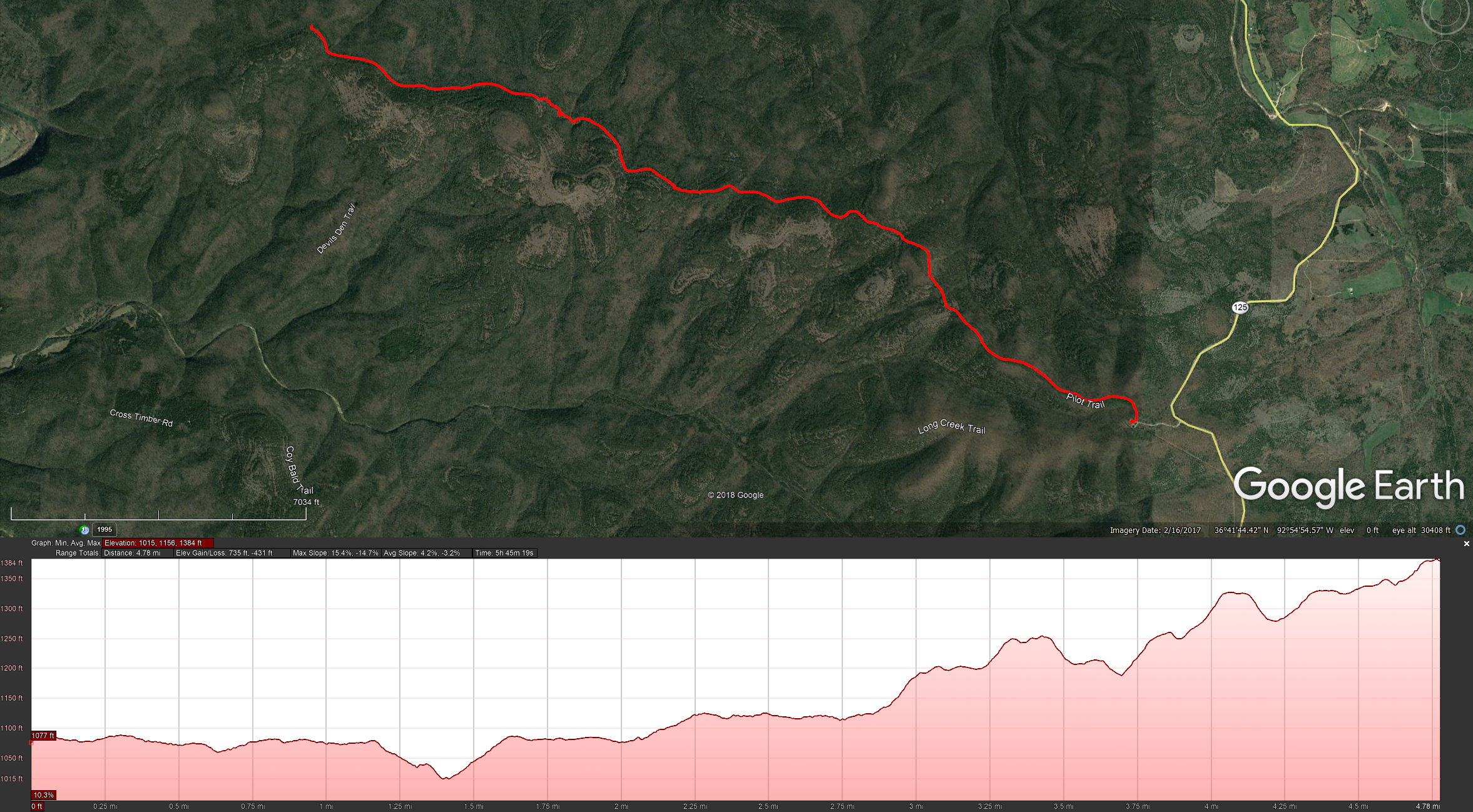
Day One, park at the Tower Trailhead, hike down the Pilot Trail to the Pole Hollow Trail, take the trail down to Long Creek, and camp near the creek where we camped in May 2011.
Day Two, go to the Long Creek falls, fill up with water, and then hike Rock Spring Trail to the Devil’s Den, take the Devil’s Den West Trail up to the Pilot Trail, and camp off-trail somewhere to the north (we’d wild camped in this area in September 2012). Finally,
Day Three, hike the Pilot Trail back to the Tower Trailhead.
Altogether a nice easy three-to-four miles per day, a total of around 12 miles. There would be a couple of reasonable climbs, but nothing too strenuous. My pack was feeling quite heavy — I didn’t weigh it, but it was well over 35lbs — the heavy tarp, hammock, extra clothes, sleeping pad, and three liters of water were weighing it down.
Besides trying out hammock camping for the first time, I decided that I’d see how well my UT Kilts Utility Kilt handled the cooler weather. The kilt had proved to be a great idea backpacking in 90°F weather last August, but how comfortable would it be in the mid-40s? Everything was packed in my new Deuter backpack, and I had some new reflective bear bag line to test out.
This was to be my first solo trip in six years, the last solo trip being in June 2011. I was under no illusions, I expected to be (re-)learning a lot and possibly encountering a few snags. No wonder Ginger thought it a good idea to stay at home!
Finally, I was looking forward to spending a few quiet days in the wilderness.
Day One.
Hercules Glades is around a seventy-five minute (fifty-ish miles) drive from Springfield. I arrived at the Tower Trailhead just before 1:00 p.m. A couple of guys with a dog were getting ready to head down to the falls for the night. There was one other vehicle in the lot which augured well for a quiet trip. It wasn’t all good news though. On the drive down I got a call from Ginger. She asked where I’d got the dried milk for my breakfast cereal from. I told her, and was informed that I’d put in scoops of whey protein powder instead of milk powder! Oh well, the almonds and raisins I’d packed for my lunches and trail snacks would have to do for breakfast too.
Checking in at the trailhead I saw there was only one other person on the north trails, and they were on the Pees Hollow loop.
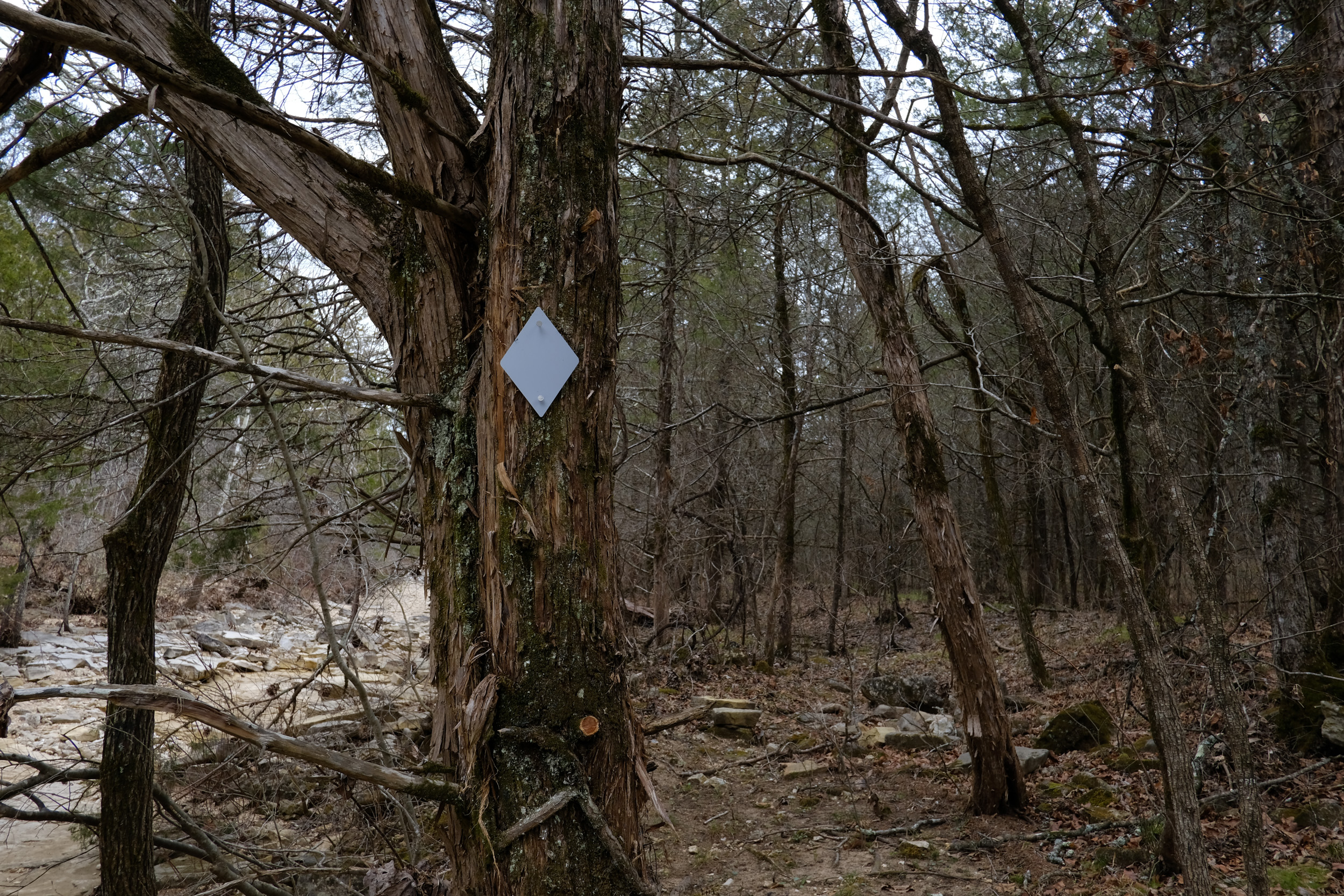
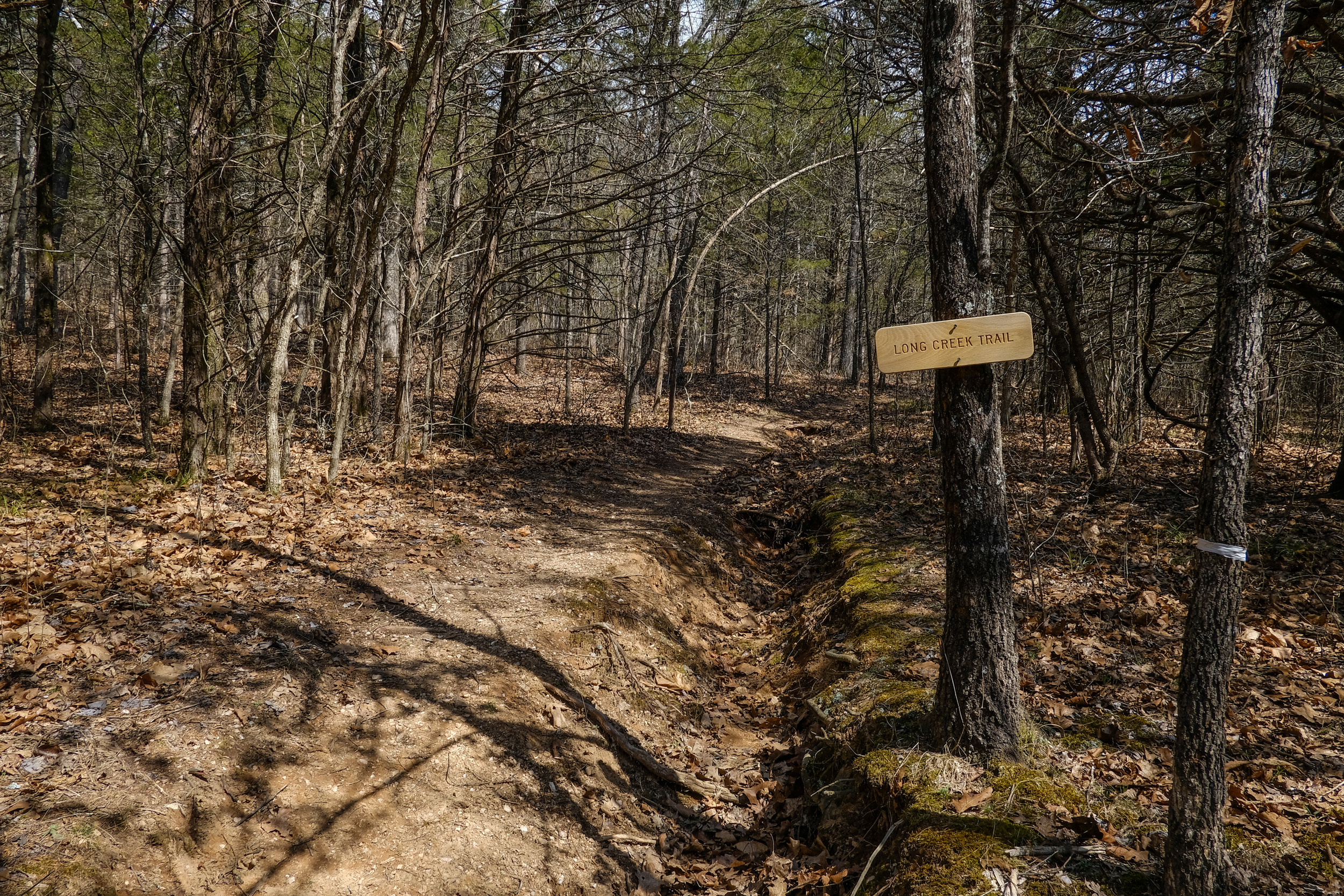
The first thing I noticed as I started off down the Pilot Trail was some nice new trail signs and trail markers too. Even better, both ends of the Pees Hollow Trail are now marked, which means that instead of walking straight past it, I should be able to find the western end of the trail in future. No more back-tracking!
One thing about the new trail signs was troubling. A lot of the trails have been renamed (I shall be trying to find out why — though I have my suspicions on this) which means that the maps you can download from the Internet, or bring up on your phone/GPS do not match the trail signs. This is something that might confuse inexperienced hikers.
What was the Pilot Trail, is now labeled the Tower Trail and the Pole Hollow Trail was labeled as the Pete Hollow Trail. I’ll use the new names from now on.
I stopped for a bite to eat at the cairn marking the junction of Pete Hollow Trail and the Tower Trail, and then, as planned, I headed off down Pole Hollow. We’ve only hiked this trail once in May 2011, and when we did, we managed to lose the trail at the bottom, near Long Creek. The trail is now well used and blazed, so this time I didn’t have any problems.
At the end of Pete Hollow Trail, I arrived at the trail junction at the same time as a large group (presumably eight people as that’s the maximum allowed group size in the wilderness) from the Sierra Club. They were out on a two-day trip, taking a backpacking test.
I’m not at all sure what they made of the kilted, barefoot (I was wearing my huaraches as usual), backpacker with an English accent. After exchanging a few pleasantries I carried on while they hung well back, leaving me to enjoy the trail in peace. Long Creek was dry. Drier than I was expecting, I didn’t see any pools for a long time.
The trail (Long Creek Trail) and creek crossings now have clear trail markers on them.
The campsite I hoped to stay at, was one of two about 50-100′ apart. The first site is right by the trail, the second, the one I planned on using, is set back from the trail further to the west, and has easy access to the creek. There were a couple of guys tarp & hammock camping in the first spot. At this time of year, with no undergrowth or leaves between the two sites, it would not have been appropriate to set up camp where I originally planned. I chatted with the guys — on their first visit to Hercules, and then set off to find a spot a few hundred feet to the west (downstream).
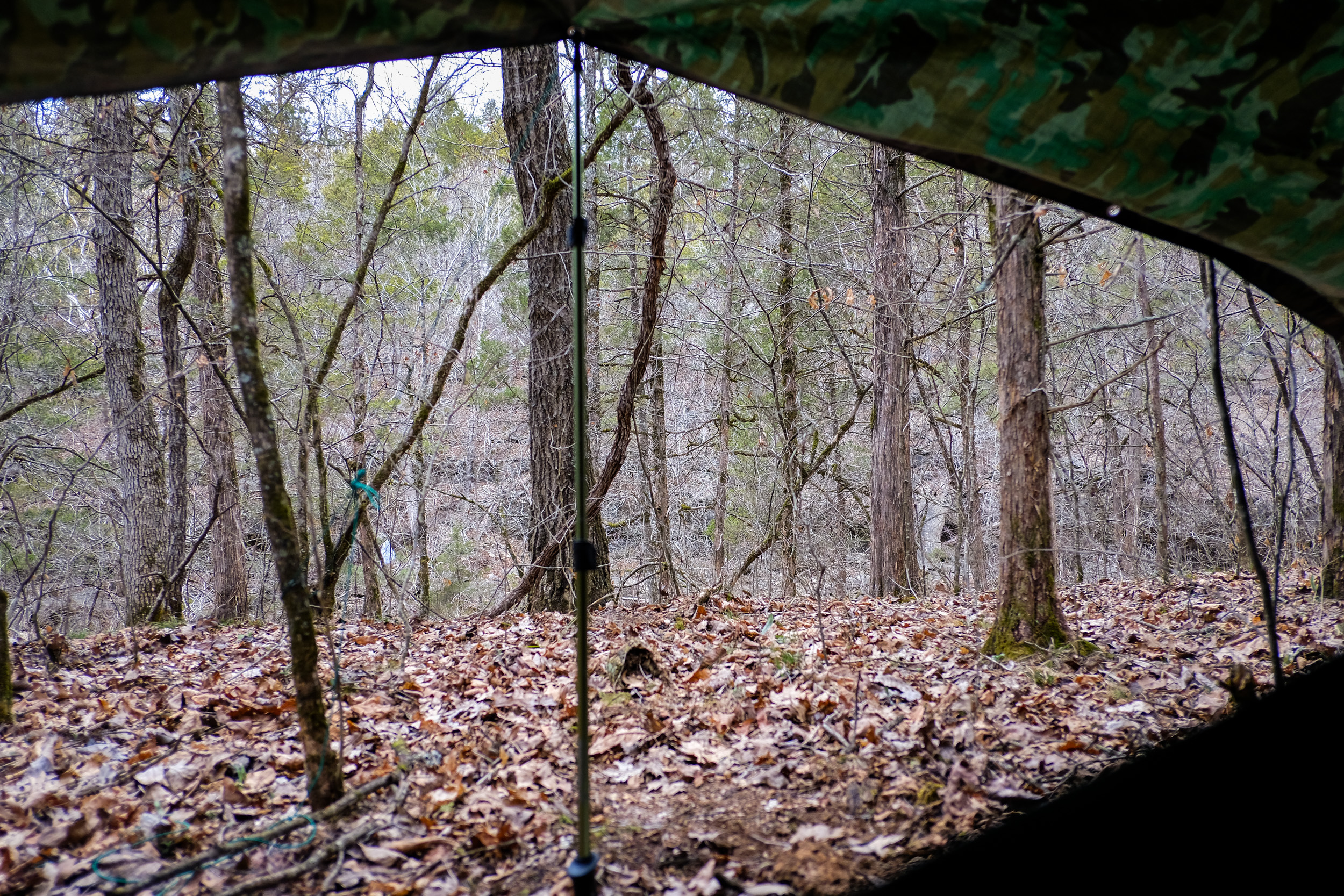
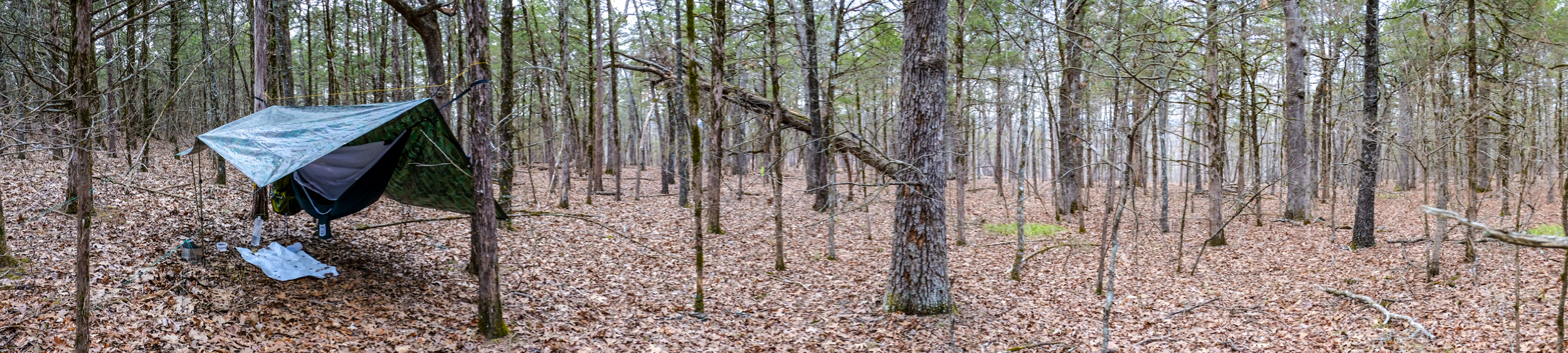
Initially, I set up the hammock by the creek, but there was rain in the forecast and I was in an area that obviously flooded. I’ve no idea how quickly the creek rises in a storm, or by how much, though it had obviously recently flowed where I was camped. Not fancying waking up to find the hammock actually hanging over the creek, I decided to move it back a bit. After all, I need the practice at finding suitable pitches and setting up the hammock, and what else did I have to do anyway? A disadvantage of the move was, that with no ground cover, even though I was 100′-200′ from the trail I could still be seen. I set up with my tarp parallel to the trail to maximize my privacy. However, that didn’t stop a couple of passing groups yelling ‘howdy’ as they filed by on the trail.
This was not the quiet ‘commune with nature’ I was looking for.
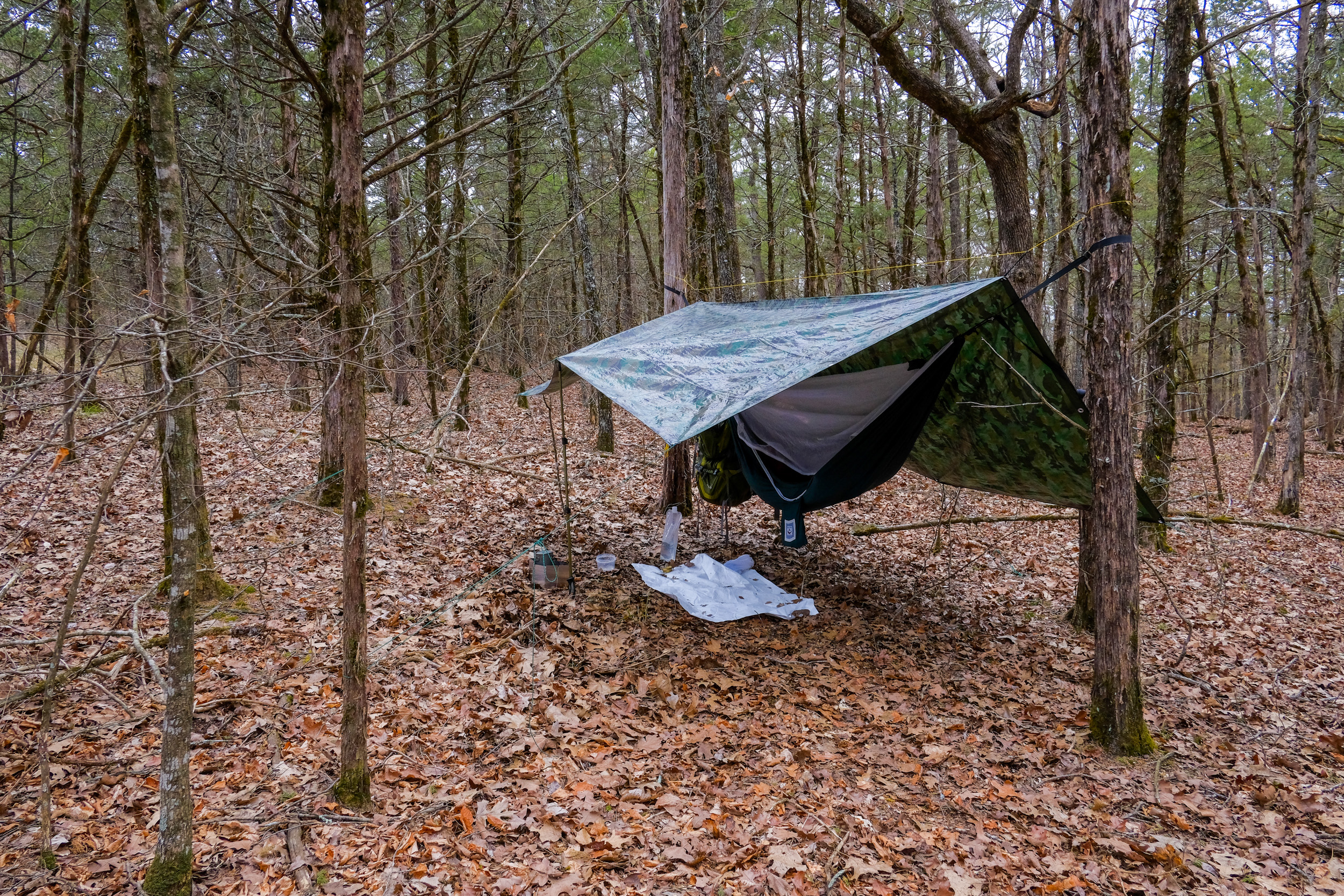
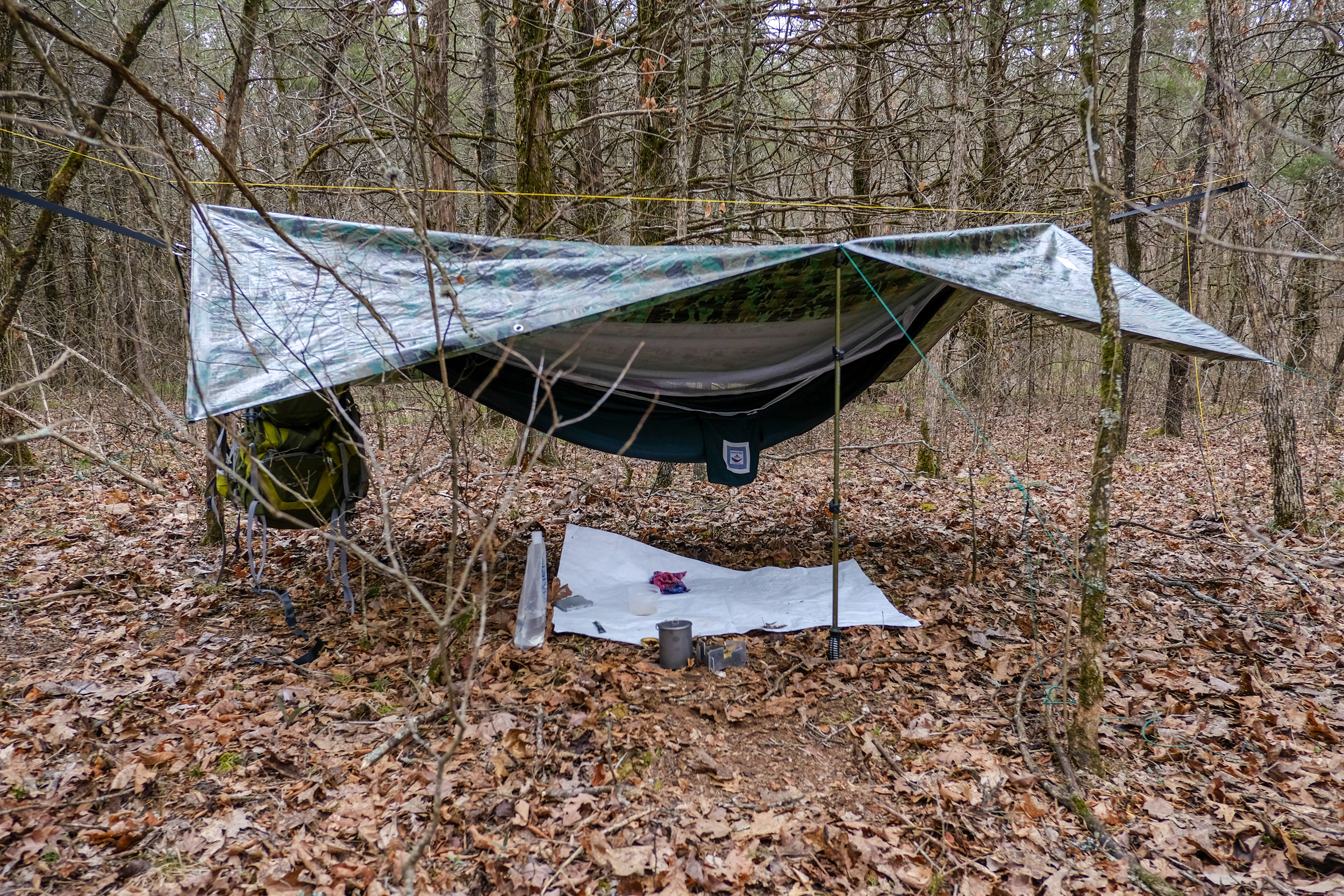
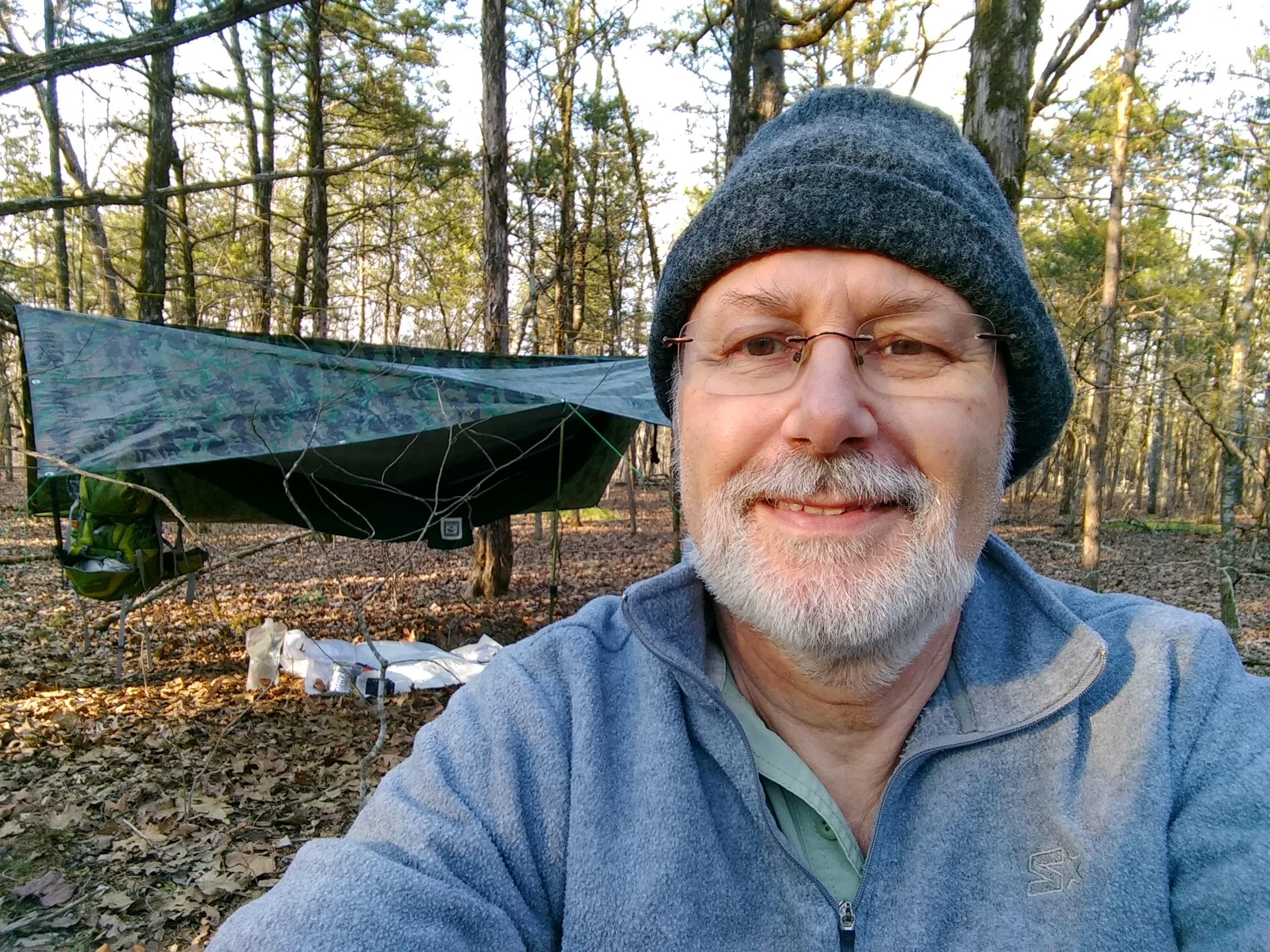
Setting up the hammock was very straightforward, though this time I made the rookie mistake of not adjusting the height of the straps to allow for the distance between the trees (Lesson #1. The greater the distance the higher/ tighter the straps need to be), so the hammock was very low to the ground. It was also very windy, and one of the grommets was already pulling out of the cheap $11 camo tarp. Fortunately, it held, but I wasn’t pleased with the prospect of the tarp dropping onto the hammock in the middle of the night.
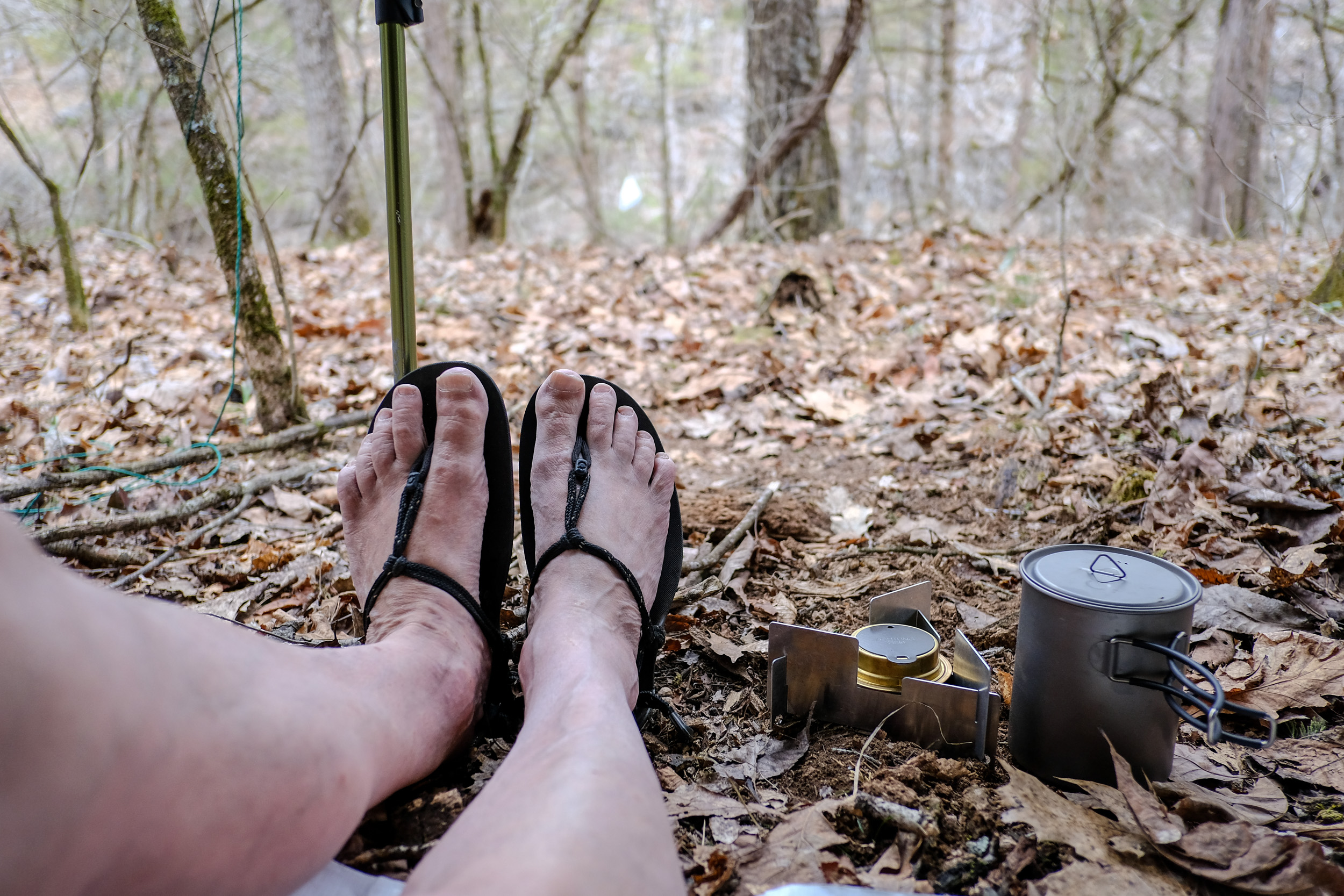
I’d brought along the alcohol stove to heat water for coffee and my evening meals. It’s the first time I’ve taken it out since I had the seam soldered closed, and it didn’t leak at all — I still keep it in a Ziploc bag just in case. The dehydrated Mountain House, Chili Mac with Beef meal was great. Even though it was labeled as 2.5 servings, I found it was just enough for me. The package fitted in my pot cozy just right, which kept it warm while it stood and rehydrated.
I decided not to mess with a fire, and tucked myself up for the night reading a book. I’ve read a lot of warnings about CBS (Cold Butt Syndrome) when sleeping in a hammock. I’d brought one of our Thermarest pads along to insulate me from the cold, and it worked well, though staying on the pad in the hammock took a bit of getting used to. I could have brought along my more insulating (and bigger) Neoair pad. But to be honest, inflating the darned thing is a trial — though we have recently bought a replacement for our now defunct ‘Instaflator’ — I decided to forego the extra size and weight of the Neoair in favor of the smaller, lighter, self-inflating Thermarest.
It didn’t rain overnight and I slept really well. The day began overcast but fairly warm and went on to be sunny and hot in the afternoon.
By my estimation I’d already seen nearly thirty people headed down to the falls on Long Creek; I decided to avoid the area, and find an alternative water source. If necessary I’d wait until I re-joined Long Creek at Devils Den, there’s a point near there where Long Creek runs along by some bluffs where we have always found a large pool of good water. There was a small pool of water on the creek bed near where I’d camped, but it looked to be just a little bit too small to use, though I’m sure it would have been okay.
After making coffee I spent a while exploring and taking pictures. I found a little-used trail on the north side of the creek on top of some low bluffs.
Exploring complete, I packed up camp, which was straightforward but slow, mainly because it was only the second time I’ve done it, but also because (as I was finding out) you need to be a lot more careful and deliberate when hammock camping. Unlike tent camping, you can’t just throw all your gear at the foot of your bed, or out in the vestibule. I’d brought along an ‘S’ hook to see if I could use it to hang my backpack on the end of the hammock — and it worked very well, but you still have to keep your stuff organized. One of the hammock camping posts I’d read suggested taking a larger piece of Tyvek groundsheet when hammock camping (6′ x 3′) and I can now see why.
I was back on the trail by 11:00 a.m. At the first (dry) creek crossing, I noticed a big pool a ways downstream, so I headed down the creek to fill up with water. I was down to the last couple of mouthfuls in my water bottles. The pool was nice and deep, making it easy to fill the ‘dirty’ water bag. But the water filter wasn’t working no matter how hard I squeezed. Oops! Lesson #2. Test the water filter before leaving on a trip. It was lucky that I’d decided to bring along the back-flush syringe, and I had enough clean water to wash it through a couple of times. That was just enough to be able to get it to flow — albeit very slowly. Once I had some filtered water I was able to backflush it properly and speed up the filtering process.
When the filter wouldn’t work, I considered my options — use my water purification tablets in the emergency kit, pack ‘dirty water’ and boil it as I needed it, or even call it quits and hike back out. One option I didn’t consider and should have was boiling some water to backflush the filter with. I’m certainly glad I packed the syringe.
I generally add a couple of drops of bleach to the filtered water, and here’s lesson #3. Regularly check and replace consumables that degrade over time. The bleach was totally ineffective.
An hour after I started my hike, I now had enough water to last me the rest of the trip, and at midday, I headed off along what is now Long Creek Trail (formerly Rock Spring Trail) climbing up the ridge, along and down to Devil’s Den. Upon the ridge, I had cell phone coverage, at an old stock pond by the trail that we’ve named ‘Sheep Frog Pond’ I sent a couple of posts. On this part of the trail I met five more hikers, all headed towards the falls.
Gary taking a selfie at ‘Sheep Frog Pond’. Behind me is the Upper Pilot Trail which heads north from here to join the Tower Trail.
I arrived at the Devil’s Den around 2:00 p.m. and I took a seat by the fire ring to have my lunch. This spot was where we spent our first-night backpacking (December 2010). I quietly munched on my almonds, raisins, and protein bar lunch, while psyching myself up for the hard climb north up the Lower Pilot Trail (formerly Devil’s Den West Trail) towards the Pilots.
Before I had a chance to finish my food a group of scouts came down the Lower Pilot Trail. They were planning to spend the night at the Devil’s Den campsite and we had a brief conversation about the trails. Most of the scouts ignored me and went about their business, but one just stood and stared open-mouthed. Again, I wasn’t sure if it was my lack of hiking boots, my accent, or the kilt that had him spell-bound. I cut my lunch break short to let them get on with making camp and headed off up the punishing (to an out of condition person like me) hill towards the Pilots.
I was surprised at the few times I had to stop and catch my breath on the way up. It wasn’t too long before I was at the stock pond, which once again was full of clear water (albeit full of tadpoles). I’d somehow forgotten my vow to never again carry water up that hill, and had carried three liters all the way.
The rest of the hike was uneventful and by 3:45 p.m. I was hiking and bushwhacking north of the trail looking for somewhere to pitch my hammock.
I found lots of suitably spaced trees but there were a lot of dead trees around and every spot seemed to have a potential widow maker. I wandered around for an hour looking for a suitable pitch. While wandering I came across the place we camped on September 2012.
By the time I’d finally decided where to set up my hammock the wind was rising again, and the temperature had dropped almost twenty degrees. I’d checked the weather earlier and the forecast had been revised down another ten degrees, predicting 35° lows for the night.
Rather than be cold I decided to put on the thermals I’d brought with me, and make sure I kept my core temp up. Dinner was good, and I decided again to forgo a campfire. I wrapped up warm, went to bed and read for a while before turning in. If anything I was too hot in the night, but nonetheless, I slept ten very comfortable hours straight.
I woke up to a cold and overcast day with a promise of rain. I had wanted to hike out before the rain was scheduled to start, but my long sleep had put paid to that idea. I had two cups of coffee to warm up, then packed up camp, getting on the trail at 10:45 a.m. While loading my pack I saw my first tick of the season (a Lone Star tick). And sure enough, once home I found a couple having a feast.
The hike east along the Tower Trail (formerly the Pilot Trail) was uneventful. At 1:00 p.m. right on schedule, it started to rain, and I stopped to put the pack-cover on. I’d just finished doing that (another first), when the rain stopped, and it held off for the rest of the hike. I got back to the Trailhead Just before 2:00 p.m. The van was where I’d left it (always a bonus!), and there were three other vehicles in the parking lot. The Scout Master had told me he’d seen around 30 tents at the Tower trailhead when they’d arrived.
After leaving the Scouts Saturday afternoon I hadn’t seen another person, which was very much to my liking.
Check all your gear is working before you leave – including the water filters!
Check and replace perishables on a regular basis.
If you are going to hike Hercules Glades on a weekend, and want a quiet time, stay well away from the falls and the trails leading to them.
CBS (Cold Butt Syndrome) is real, but you can manage with a sleeping pad in a hammock.
My 40°F quilt is toasty at 35°F when backed up with a fleece and sleeping bag liner. I’m pretty sure I could take this combination below freezing with no problems.
Sleeping in a hammock is much more comfortable than sleeping on the ground.
If you are not careful, finding a spot to pitch your camp is just as hard with a hammock as it is with a tent. It’s the Goldilocks problem, finding the place that’s ‘just right’.
Don’t mistake whey powder for milk powder when making up your breakfasts!
Gear
The things I took and didn’t use were:
The Emergency Packs and gear (it’s always a good trip when you don’t use these).
Spare paracord.
My Buck hunting knife. It’s a heavy beast but so pretty it really deserves to be taken out. Maybe next time I should leave it at home. My Leatherman Skeletool CX was fine for everything I needed.
The fire steel, chain woodcutter, and fire-starters. But that’s only because I decided not to have a fire.
Cheap plastic rain ponchos. I took two expecting at least two lots of rain.
What worked
Hammock camping. It was really comfy, my test hammock was an inexpensive, heavy, loaf around by the lakes affair that doesn’t pack down small for backpacking. I’m really keen to try out a modern light-weight hammock. The tarp worked fine too – despite pulling out one of the grommets. But it is heavy and doesn’t pack down small which is a problem for backpacking.
My new Deuter backpack. It was comfortable and took everything easily with plenty of room to spare. I’m still learning how to pack it, and I’m also struggling to remember where I’ve stashed things, but that’s my problem, not the packs!
Utility Kilt. It’s still somewhat unnerving meeting people on the trail while I’m wearing it, but there is no doubt that it is much more comfortable than hiking in pants or shorts. I thought I might be cold on the final day, but it was fine. Yes, I did get a load of catbrier scratches on my legs, but they’ll quickly heal, and that’s better than ripped and snagged pants. Gentlemen you really need to give it a try, if only so that I’m not the only man out on the Ozark’s trails wearing one!
Hiking Huaraches. Once again these were fine, no problems encountered beyond getting the occasional stone in the footbed.
Peak Design Clip for my camera. I put it on my belt this time and it was very functional. My camera was immediately to hand whenever I wanted it.
The Mountain House Chili Mac with Beef meal packets, were very tasty — though I don’t believe the 2.5 servings per pack one bit.
The Trangia stove and the rest of my cooking system. Even on the colder morning I had no problems boiling water for my coffee. The soldered seams sealed the fuel in the stove no matter what the stove’s orientation.
My new reflective bear-bag lines and the reflective guy lines on the tarp. They made finding the bear-bag and my camp in the dark easy. These are highly recommended.
I remembered to take trash bags!
What Didn’t Work
My spoon. It’s not long enough to easily reach to the bottom of the dehydrated food packs
Tyvek Groundsheet. The piece I have is too small for hammock camping, I need to take a bigger piece in future.
Spray-on Deet. The darned stuff went everywhere except on me. It was not a good experience. It took me ages to wipe it off of the Deet container so I could safely put it away – in future I’ll take a Ziploc bag just for it.
The Sawyer Mini Water filter. The Jury’s out on that one. It was probably my fault, but I’ll be monitoring it closely in future. Taking the best part of an hour to filter three liters of water is not good.
Final Thoughts
I very much enjoyed backpacking with a hammock. So much so, that I’ve ordered a hammock, tarp, and under quilt. I can’t wait to take them out on the trail, and see how much difference it makes to go backpacking with the purpose designed equipment. My pack is going to be a lot lighter and smaller, that’s for sure.
In all, I hiked a tad short of twelve miles with a total elevation gain (and loss) of 1,700′
This is an edited and abridged version of a post that first appeared on Ozarks Walkabout.
Mao (a.k.a Blue Kitty) is almost old enough to get her driving permit. I suspect she’s going to have a problem passing the written part of the test though.
Today we decided to take one of the easier trails, and spend a bit of time looking around.
Today’s hike was a bit different. Different because we took the time to look around a bit more. We also switched to a much flatter route with easier trails.
Ginger set herself the task of try to find color in what started out as a very drab, low contrast, and monochromatic day. Later on in the hike, the sun broke through lifting the colors a bit. I decided to shoot in black and white (though when I do so the camera always keeps a full-color copy), so today’s pictures feature a lot of monochrome images. I also grabbed a lot of texture shots — just because you never know when a texture is going to come in handy, and it’s something I’ve lost the habit of doing.
Starting from the Eastern Trailhead, we crossed Woods Fork via the bridge and then hiked the Yellow Trail up past the Carter Family Cemetery, along the ridge, and then across the glades. We decided to take the closed ‘Van Trail’ to get to the Falls and see if they were running. They weren’t. We then cut back and Crossed Woods Fork via the Yellow Trail Short Cut — which cuts off the part of the Yellow / Silver trail that climbs up the ridge past the ‘Lightning Tree‘ and ‘Cactus Glade‘.
We stopped for lunch at Woods Fork. The lower ground took quite a beating during the recent rain and this area must have looked very impressive when Woods Fork flooded, it would have been at least a quarter mile wide when it was fully running. (We could see that the Eastern Parking lot had been under water too.)
The hike back from Woods Fork is pretty much flat, and apart from where we had to ford Woods Creek again, I didn’t take any more pictures — except one just below the bridge by the parking lot. That picture I took looking downstream because there was a bunch of people and kids in the creek upstream.
The trails starting at the eastern parking lot are far more popular than the westside or the south side. Often while hiking Silver (south side) we won’t see another person. We met at least a dozen people on the trail today and saw at least as many other people down by the creek at the parking lot, which was quite full when we left.
According to my ‘phone’s GPS, the hike was 3.64 miles and we managed our usual (slow hiking) pace of 1.1 miles per hour, which is explained by the frequent stops to look at stuff and take pictures.
There are a total of five places where you have to cross Woods Fork, and only the crossing by the parking lot has a bridge. Depending on your choices of route, there are up to five crossings on the Yellow Trail, and Two on the Red Trail. On this hike we crossed Woods Fork four times.
Patient Work
We stopped at the Woods Fork crossing to have a quick break. Someone had obviously spent a bit of time placing all these rocks on this fallen tree trunk.
The great thing about using a camera with an Electronic View Finder (EVF) is that what you see, is pretty much what you get.
This bleached out picture isn’t the result of a lot of post-processing, it is the picture I wanted to capture when I saw the mass of debris at the side of the trail.
I did increase the contrast and darken the blacks a bit in post, but I think I could have easily fixed that in the camera if I’d taken the time to fiddle with some of the settings.
The lower ground alongside the creek took quite a beating during the recent rain and this area must have looked very impressive when Woods Fork flooded — it would have been at least a quarter mile wide when it was fully running.

 Brushy Creek is on the other side of that ridge. Copyright © 2018 Gary Allman, all rights reserved.
 Looking west across the hollow where Brushy Creek runs. Copyright © 2018 Gary Allman, all rights reserved.
 The end of the hike (the fire tower) is in sight.Copyright © 2018 Gary Allman, all rights reserved.
 Looking north east out of Hercules Glades.Copyright © 2018 Gary Allman, all rights reserved.
 The schoolboy in me couldn’t resist a picture at Knob Lick — March 23, 2012. Copyright © 2012 Gary Allman, all rights reserved.
 Knob Lick Lookout Tower, St Francois County, Missouri — March 23, 2012. Copyright © 2012 Gary Allman, all rights reserved.


 Looking up Brushy Creek. Copyright © 2018 Gary Allman, all rights reserved.
 Brushy Creek (Looking south). Copyright © 2018 Gary Allman, all rights reserved.
 Looking upstream towards Brushy Creek and ‘Cab Creek’. Copyright © 2018 Gary Allman, all rights reserved.
 Spring box in Brushy Creek. Copyright © 2018 Gary Allman, all rights reserved.
 Spring box in Brushy Creek. Copyright © 2018 Gary Allman, all rights reserved.


 New signs and Trail Blazes at Hercules Glades. Copyright © 2018 Gary Allman, all rights reserved.
 New signs and Trail Blazes at Hercules Glades.Be warned – Some trails have been re-named. Copyright © 2018 Gary Allman, all rights reserved.
 Hercules Glades, Tower Trail, heading west on the ridge near the trailhead. Copyright © 2018 Gary Allman, all rights reserved.
 Gary at the junction of the Tower and Pete Hollow trails at Hercules Glades Wilderness. Copyright © 2018 Gary Allman, all rights reserved.
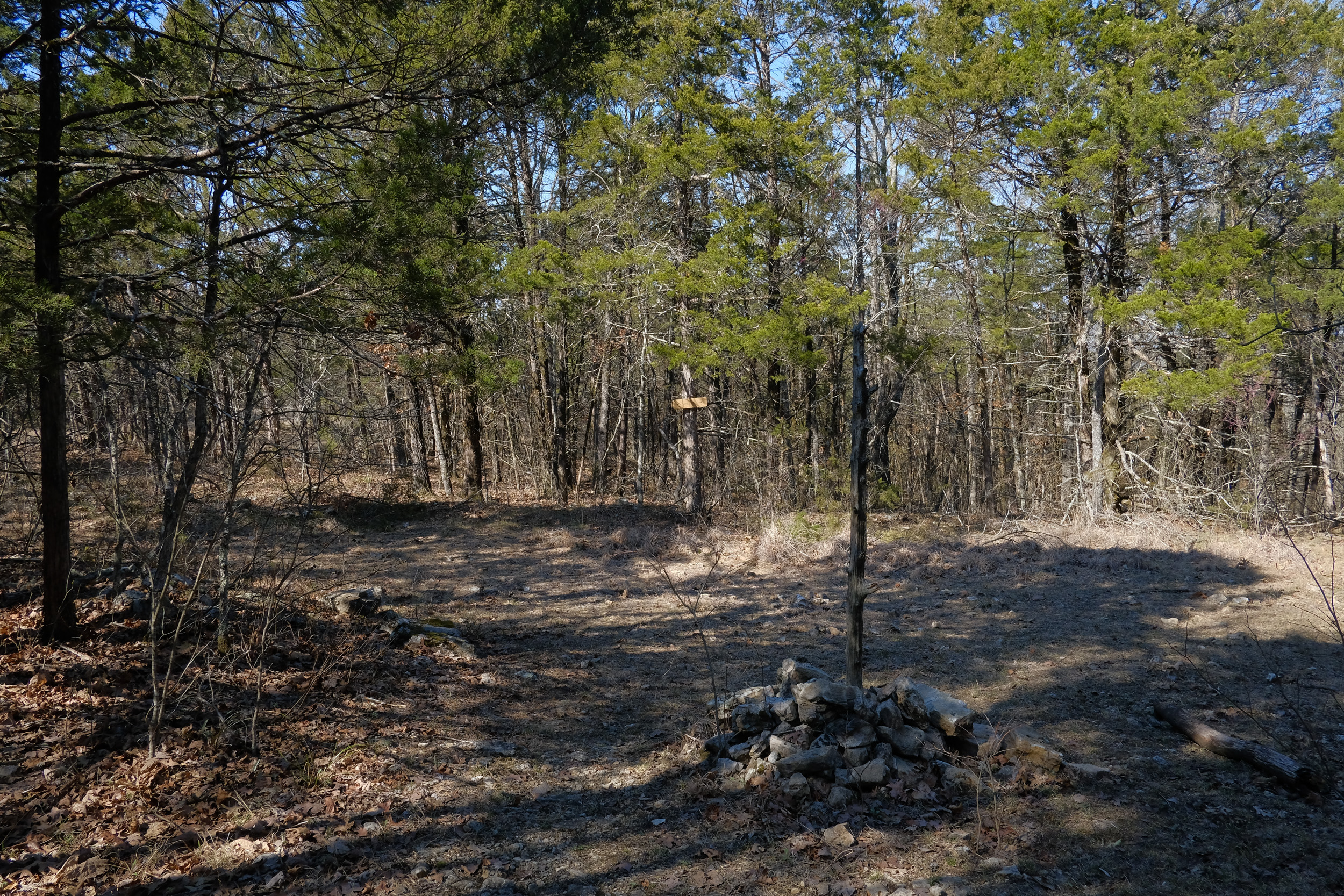
 Cairn marking the junction of the Tower and Pete Hollow trails at Hercules Glades Wilderness. On this trip I took the Pete Hollow Trail down to Long Creek. Copyright © 2018 Gary Allman, all rights reserved.


 Morning Coffee! Copyright © 2018 Gary Allman, all rights reserved.
 Food (Bear) Bag.


 ‘Sheep Frog Pond’
 Gary taking a selfie at ‘Sheep Frog Pond’. Behind me is the Upper Pilot Trail which heads north from here to join the Tower Trail.


 Back on the trail again, heading east towards the trailhead and home. Copyright © 2018 Gary Allman, all rights reserved.
 Junction of the Upper Pilot Trail (left) and Tower Trail, looking east. The Upper Pilot Trail joins the Long Creek Trail at ‘Sheep Frog Pond’. Copyright © 2018 Gary Allman, all rights reserved.
 The trail closed in a bit here. Copyright © 2018 Gary Allman, all rights reserved.
 Gladie bits on the Tower Trail heading east. Copyright © 2018 Gary Allman, all rights reserved.
 Now that’s a fire ring! But not something you are supposed to do in a wilderness… Nice spacing on the trees and very little underbrush too. A lot of horses must stop here to keep it trimmed back like this. Copyright © 2018 Gary Allman, all rights reserved.
 A witness Tree, but the writing was illegible, so I couldn’t work out where the marker was. Copyright © 2018 Gary Allman, all rights reserved.
 Junction of the MIddle Trail (left) and Tower Trail, looking west. Copyright © 2018 Gary Allman, all rights reserved.
 Crossing my outbound track at the junction of the Tower and Pete Hollow trails. Copyright © 2018 Gary Allman, all rights reserved.
 Crossing my outbound track at the junction of the Tower and Pete Hollow trails. Copyright © 2018 Gary Allman, all rights reserved.


 New trail markers. Copyright © 2018 Gary Allman, all rights reserved.
 Spring Daffodils – Carter Family Cemetery – Busiek Red / Yellow Trail. Copyright © 2018 Gary Allman, all rights reserved.
 Yucca plants in the wilderness are a sure sign that there was a home or cemetery near-by. Copyright © 2018 Gary Allman, all rights reserved.
 Hiking along the ridge near the Carter Family Cemetery. Copyright © 2018 Gary Allman, all rights reserved.
 Busiek Red / Yellow Trail. Copyright © 2018 Gary Allman, all rights reserved.
 Busiek Red / Yellow Trail. Copyright © 2018 Gary Allman, all rights reserved.
 Getting near the glades on the Busiek Red / Yellow Trail. Copyright © 2018 Gary Allman, all rights reserved.Copyright © 2018 Gary Allman, all rights reserved.
 A shortcut on the Red Trail to the left or the Red / Yellow Trail going straight on. Copyright © 2018 Gary Allman, all rights reserved.
 Hikers. Copyright © 2018 Gary Allman, all rights reserved.
 The Yellow trail splits off south from the Red Trail crossing some open glades, It then goes back into the trees as it descends back towards Woods Fork. Copyright © 2018 Gary Allman, all rights reserved.
 The Yellow trail splits off south from the Red Trail crossing some open glades, It then goes back into the trees as it descends back towards Woods Fork. Copyright © 2018 Gary Allman, all rights reserved.
 Busiek Yellow Trail. Copyright © 2018 Gary Allman, all rights reserved.
 Trail Closed. Copyright © 2018 Gary Allman, all rights reserved.
 Busiek Yellow Trail. Copyright © 2018 Gary Allman, all rights reserved.
 Busiek Yellow Trail. Copyright © 2018 Gary Allman, all rights reserved.
 Former pasture land on the Busiek Yellow Trail
 Decimation. Copyright © 2018 Gary Allman, all rights reserved.
 Woods Fork, Busiek. Copyright © 2018 Gary Allman, all rights reserved.
 Fossils
 Ridge above Woods Fork, Busiek. Copyright © 2018 Gary Allman, all rights reserved.
 Crossing Woods Fork. Copyright © 2018 Gary Allman, all rights reserved.
 Ridge above Woods Fork, Busiek. Copyright © 2018 Gary Allman, all rights reserved.
 Flood Damage, Woods Fork, Busiek. Copyright © 2018 Gary Allman, all rights reserved.
 Patient Work. Copyright © 2018 Gary Allman, all rights reserved.
 Rocks on Wood
 Creek Crossing. Copyright © 2018 Gary Allman, all rights reserved.
 Reaching Up. Copyright © 2018 Gary Allman, all rights reserved.
 Woods Fork, Busiek. Copyright © 2018 Gary Allman, all rights reserved.


 March 9, 2018 | www.breakfastinamerica.me | Copyright © 2018 Gary Allman, all rights reserved
 Reaching Up. Copyright © 2018 Gary Allman, all rights reserved.
 Rocks on Wood
 Patient Work. Copyright © 2018 Gary Allman, all rights reserved.
 Fossils
 Woods Fork, Busiek. Copyright © 2018 Gary Allman, all rights reserved.
 Ridge above Woods Fork, Busiek. Copyright © 2018 Gary Allman, all rights reserved.
 Ridge above Woods Fork, Busiek. Copyright © 2018 Gary Allman, all rights reserved.


 Busiek Yellow Trail. Copyright © 2018 Gary Allman, all rights reserved.
 Busiek Yellow Trail. Copyright © 2018 Gary Allman, all rights reserved.
 Busiek Yellow Trail. Copyright © 2018 Gary Allman, all rights reserved.